How to assort campaigns to alphabetical in Mailchimp
Here is how to assort campaigns to alphabetical in mailchimp
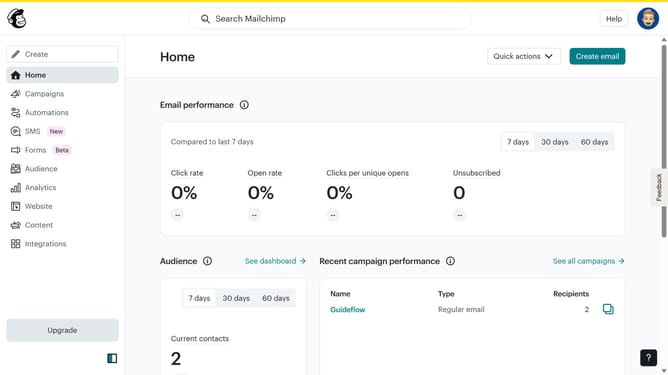
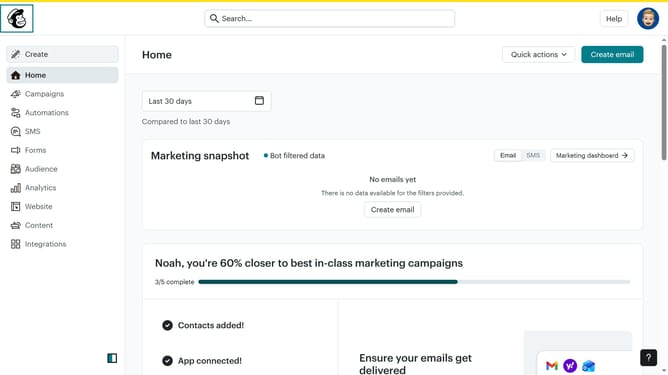
- First click on the "Campaign" button in the left sidebar navigation menu
- Then click on the "Sort by" dropdown filter in the campaign list header
- Finally select "Alphabetical" option from the Status dropdown menu
Why should you assort campaigns to alphabetical in Mailchimp
Mailchimp is a dynamic marketing automation platform designed to help businesses effectively manage their email marketing campaigns.
Organizing your campaigns alphabetically in Mailchimp streamlines access, making it quick and simple to locate specific campaigns without endless scrolling.
This feature is particularly beneficial for businesses with extensive libraries of campaigns, as it enhances efficiency and productivity by saving valuable time.
Overall, sorting campaigns alphabetically ensures you maintain a structured, organized workspace, contributing to seamless marketing operations.
Last update