How to insert a creative assistant block in an email in Mailchimp
Here is how to insert a creative assistant block in an email in mailchimp
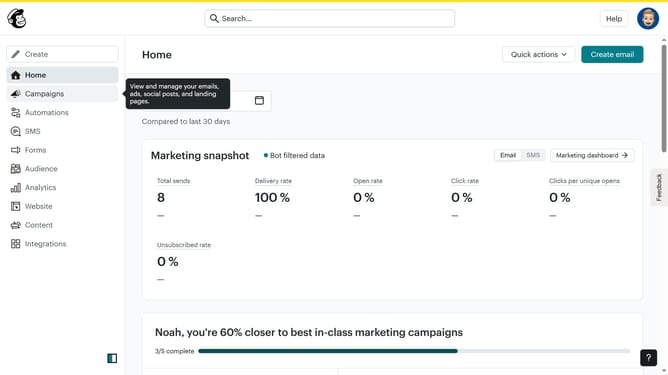
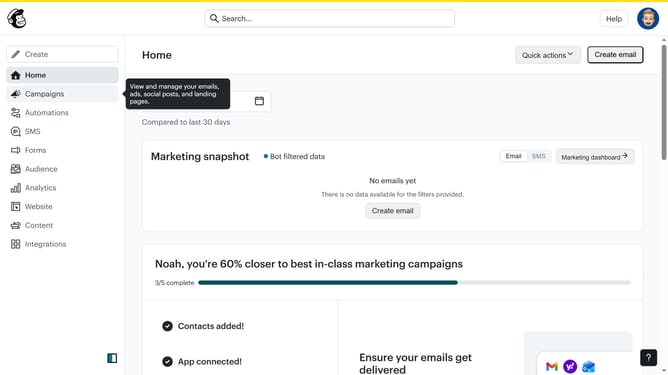
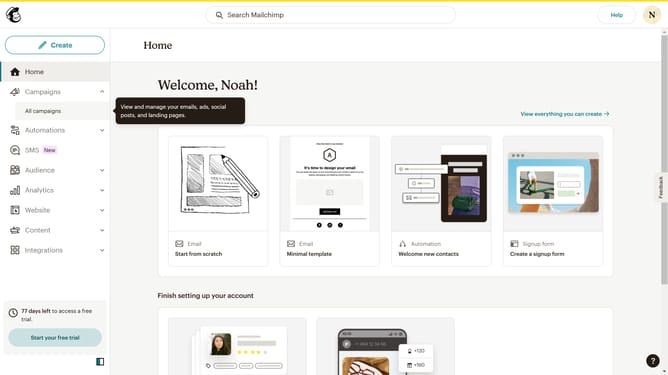
- First click on the "Campaigns" menu item in the left sidebar
- Then click on the "Edit" button next to the Testing Email campaign
- Next click on the "Edit design" button in the email preview panel
- Next click and drag on the "Creative Assistant" block from the available content blocks
- Finally click the "Open Creative Assistant" button in the main content area to begin using the assistant's features
Why should you insert a creative assistant block in an email in Mailchimp
Mailchimp is a versatile platform designed to revolutionize your email marketing efforts with ease and efficiency.
Inserting a creative assistant block into your email campaigns can greatly enhance your messaging. This feature lets you effortlessly add customized elements that resonate with your brand's personality.
By leveraging this tool, your emails not only capture attention more effectively but also provide a consistent, engaging experience for your subscribers. It's a fantastic way to craft visually appealing and cohesive communications.
Last update