How to edit text block font color in a landing page in Mailchimp
Here is how to edit text block font color in a landing page in mailchimp
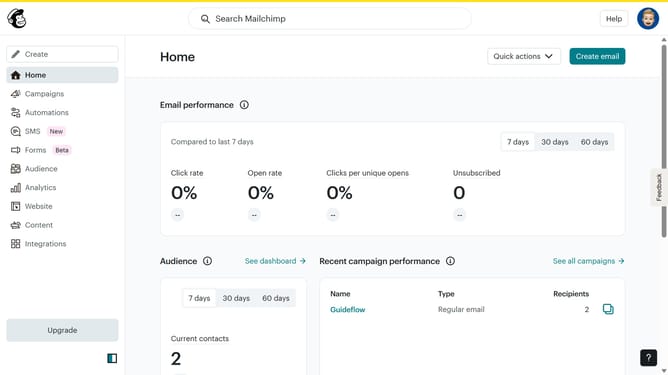
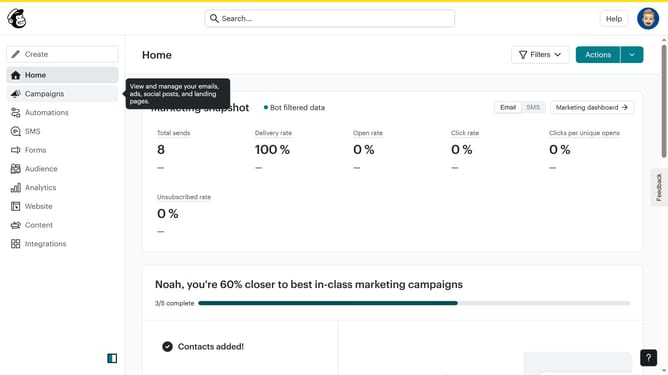
- First, click on "Campaigns" in the left sidebar
- Then click on the "Edit" button next to the landing page that you want to manage
- Next, click on the "Edit design" button
- Then click on the edit icon of the text block
- Next, select the "Style" tab in the panel
- Then click on the color picker area
- Finally, click on the "Save & Close" button
Why should you edit text block font color in a landing page in Mailchimp
Mailchimp is a versatile platform designed for effective email marketing and online audience engagement.
In Mailchimp, editing the text block font color on a landing page allows you to match your brand's aesthetic or draw attention to key information.
Utilizing this feature enhances readability and ensures visual consistency across various marketing materials.
Crafting a visually appealing landing page not only improves user experience but also strengthens your brand identity, which can lead to increased audience retention and conversion rates.
Last update