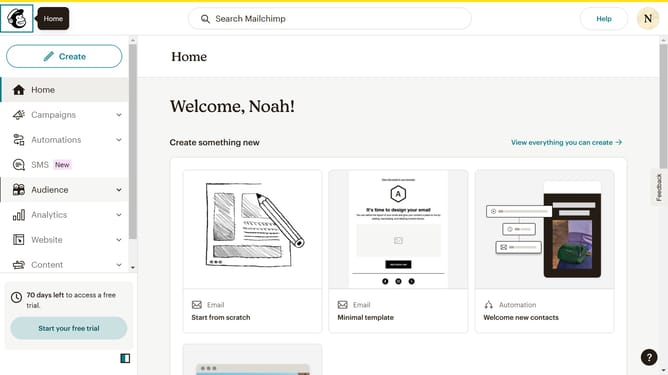
How to add preview text on a campaign in Mailchimp
Here is how to add preview text on a campaign in mailchimp
- First click on "Campaigns" in the left sidebar menu
- Then click on "WIP" campaign from the campaign list
- Next click on the expand button in the "Subject" section of the email form
- Next click and type on the "Preview Text" input field in the email composition form
- Finally click on the "Save" button in the bottom control panel to save your changes
Why should you add preview text on a campaign in Mailchimp
Mailchimp is a versatile platform designed to help businesses streamline their email marketing efforts.
A handy feature of Mailchimp is the ability to add preview text to your campaigns. This text provides a sneak peek of your email content, positioned right after the subject line in your subscribers' inboxes. By customizing this snippet, you can capture attention and boost open rates.
Preview text is crucial as it enhances email engagement by offering additional context, encouraging subscribers to click and read further.
Last update