How to change column font size in a free email campaign in Mailchimp
Here is how to change column font size in a free email campaign in mailchimp
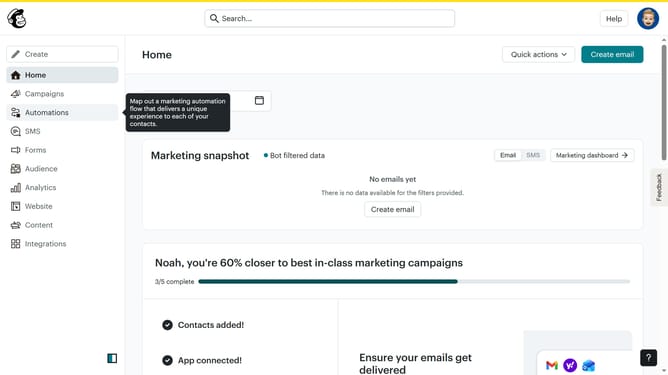
- First click on "Campaigns" item in the left sidebar
- Then click on "Edit" button
- Click on the "Edit design" button
- Click on the column that you want to manage
- Then highlight the text that you want to change font size
- Finally, click on the up or down arrow to increase or decrease the font size
Why should you change column font size in a free email campaign in Mailchimp
Mailchimp is a powerful tool designed to simplify email marketing while providing robust features for impactful campaigns.
Changing the column font size in Mailchimp’s free email campaign allows you to enhance readability and emphasize key messages. Adjusting font size ensures that your content stands out, capturing your audience's attention and driving engagement.
This feature is particularly beneficial for tailoring your campaign to different audience segments, making your communication more effective and personalized, all within a user-friendly interface.
Last update