How to manage image border roundness in a landing page in Mailchimp
Here is how to manage image border roundness in a landing page in mailchimp
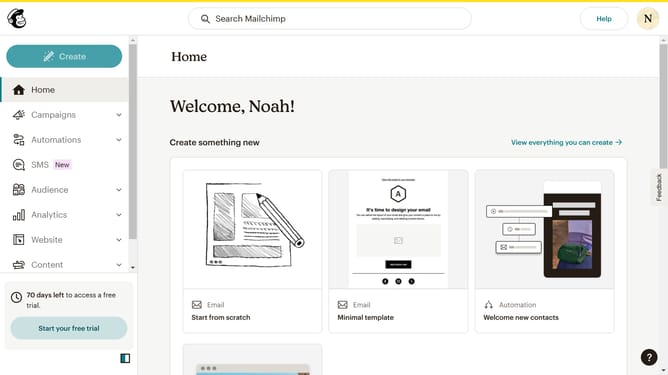
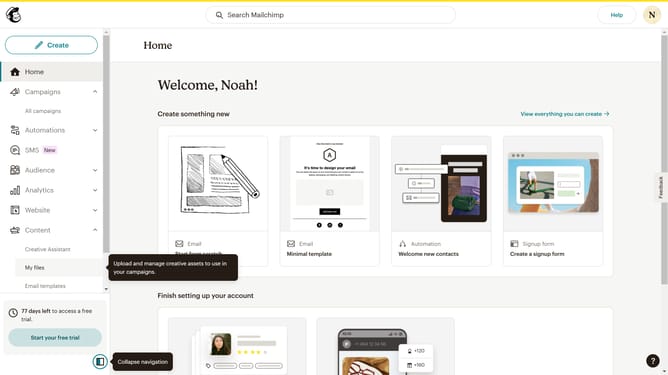
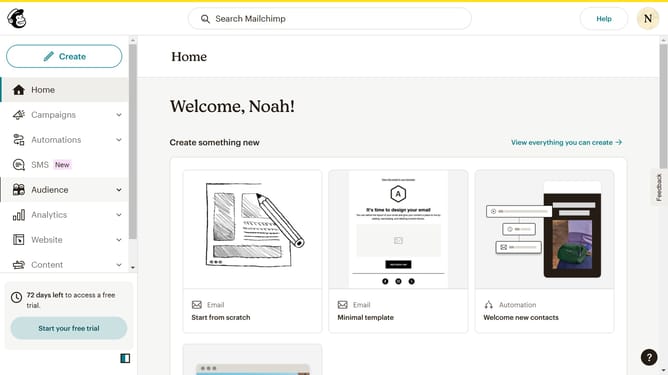
- First click on "Campaigns" in the left sidebar
- Then click on the "Edit" button
- Next, click on the "Edit design" button
- Then click on the edit icon
- Next click on the "Style" tab
- Then drag the slider to adjust the rounded corners
- Finally click on the "Save & Close" button
Why should you manage image border roundness in a landing page in Mailchimp
Mailchimp is a leading marketing platform designed to help businesses grow effortlessly.
One of its nifty features is the ability to manage image border roundness in landing pages. This feature allows users to adjust the aesthetic appeal of their images, adding a touch of sophistication or playfulness, depending on your brand's style.
Having control over image border roundness not only enhances your landing page's visual appeal but also helps achieve a consistent look, making your brand more memorable and engaging for visitors. This subtle customization supports your brand identity while maintaining a polished presence online.
Last update