How to add a button in Mailchimp
Here is how to add a button in mailchimp
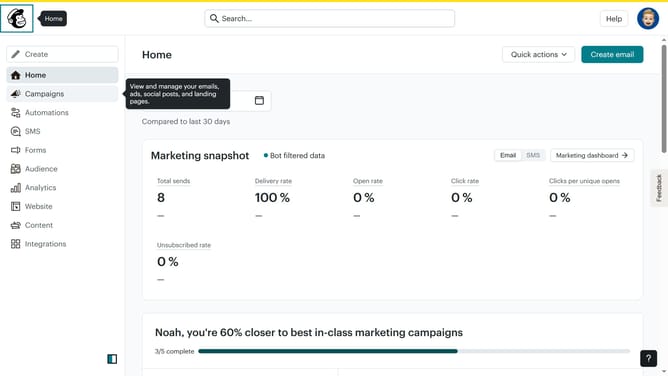
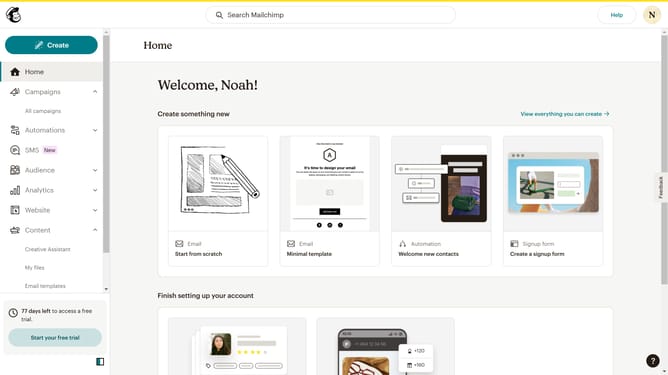
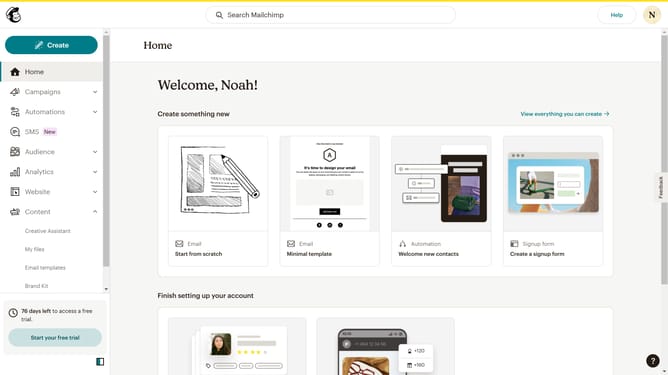
- First click on the "Create" button in the top navigation bar
- Then click on the "Design Email" button under Regular email section
- Next click and hold the "Button" block in the left sidebar content blocks
- Drag and drop the button block to the email
- Here in the "Content" tab you can add the purpose of the button
- And here in the "Styles" tab you can customize the look of your button
Why should you add a button in Mailchimp
Mailchimp is a powerful marketing platform designed to help you connect with your audience through email campaigns.
Adding a button in Mailchimp makes your emails more interactive and engaging by encouraging recipients to take action. It enhances the design and utility of your messages, whether you want to drive traffic to your website, boost sales, or simply gather feedback.
Using buttons strategically can increase click-through rates and provide a clear pathway for your audience, helping you achieve your marketing goals effectively.
Last update