How to insert a website on your profile in Mailchimp
Here is how to insert a website on your profile in mailchimp
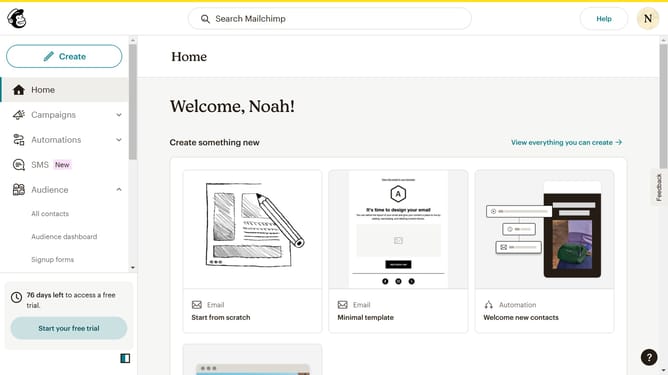
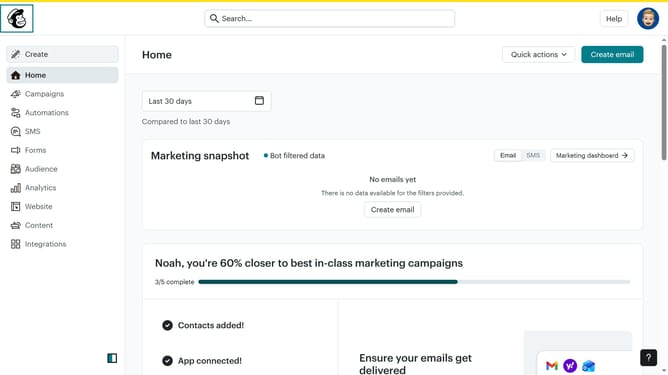
- First click on the user avatar icon in the top-right corner of the header
- Then select "Profile" option from the dropdown menu
- In the Basic Information section, click on the "Website" field to enter your website URL
- Finally click the "Update" button at the bottom of the Basic Information form to save your changes
Why should you insert a website on your profile in Mailchimp
Mailchimp is a powerful marketing platform designed to elevate your email campaigns and grow your audience effectively.
Inserting your website on your Mailchimp profile feature enables users to increase their online presence and drive traffic to their main site. By having your website link accessible on your profile, visitors are just a click away from learning more about your products and services.
This seamless integration allows you to maintain a consistent brand image while fostering stronger connections with your audience. It showcases your professionalism and can lead to higher engagement rates.
Last update