How to input a profile picture in Mailchimp
Here is how to input a profile picture in mailchimp
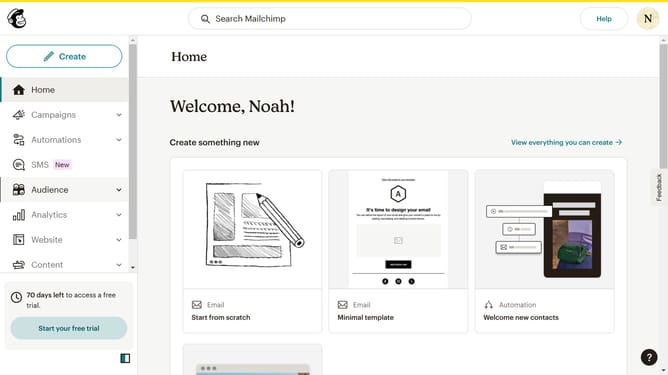
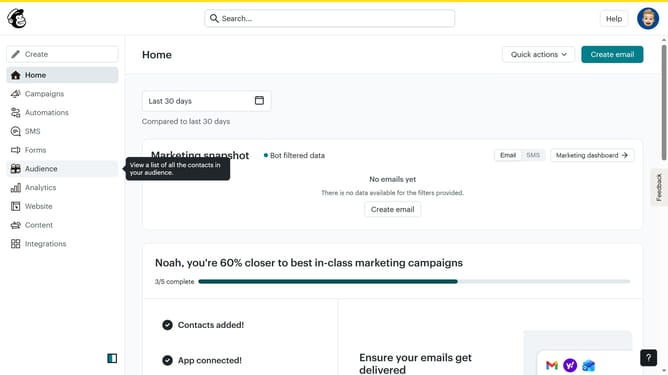
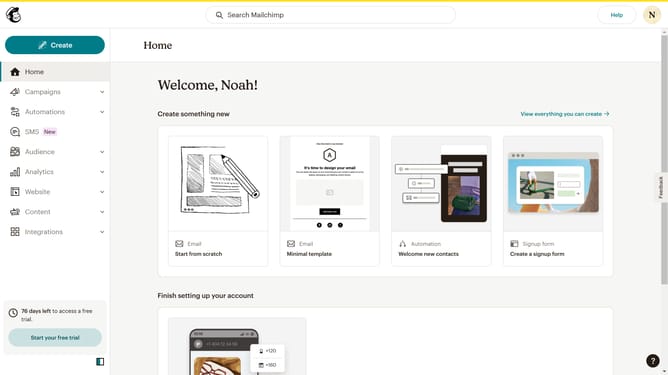
- First click on the account avatar in the top-right corner of the header
- Then click on the "Profile" option in the dropdown menu
- Finally click on the "Upload Photo" button in the profile photo section to input a picture
Why should you input a profile picture in Mailchimp
Mailchimp is a versatile email marketing platform designed to help businesses craft and manage their email campaigns with ease.
Adding a profile picture in Mailchimp is a straightforward feature that enhances your personal or brand identity. It allows you to present a consistent, professional image to your contacts.
By uploading an appropriate profile picture, you foster recognition, build trust, and make your communication more personable and engaging. These small personal touches can significantly improve your audience's interaction and connection with your brand.
Last update