How to view campaigns in mobile mode in Mailchimp
Here is how to view campaigns in mobile mode in mailchimp
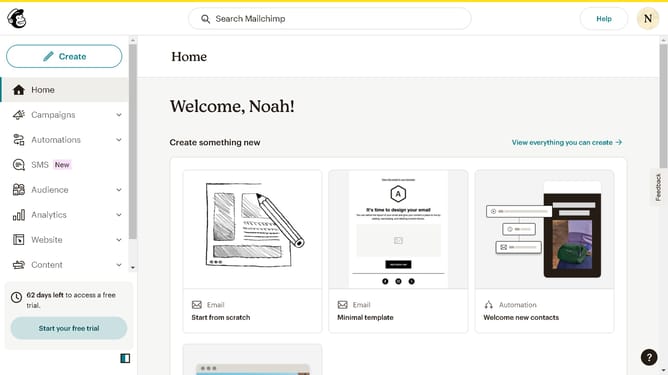
- First click on "Campaigns" item in the left sidebar menu
- Then click on the "WIP" campaign name in the campaigns list
- Next click on the "Edit design" button in the email preview section
- Then click on the "Mobile view" toggle button in the top toolbar
- Finally click on "Save and exit" button in the top-right corner of the email editor
Why should you view campaigns in mobile mode in Mailchimp
Mailchimp is an all-in-one marketing platform designed to empower businesses to reach their audience efficiently.
The mobile mode feature in Mailchimp allows you to preview and optimize your email campaigns for mobile devices, ensuring they look great on any screen size.
By utilizing this feature, you can enhance user experience, boost engagement, and increase the effectiveness of your marketing efforts.
Viewing campaigns in mobile mode is a smart step towards making sure your communication resonates with your audience wherever they are.
Last update