How to close a survey in Mailchimp
Here is how to close a survey in mailchimp
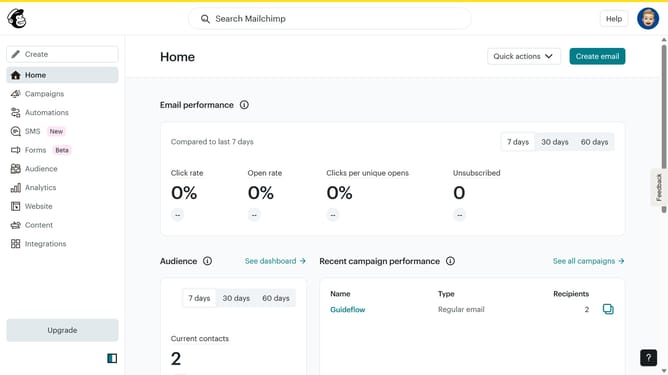
- First click on "Audience" in the left sidebar menu
- Then click on "Surveys" in the left sidebar menu
- Then click on "View all" button
- Then click on the dropdown arrow next to "View results"
- Finally click on "Close" button
Why should you close a survey in Mailchimp
Mailchimp is a leading email marketing platform designed to help businesses build and engage their audience effortlessly.
The ability to close a survey in Mailchimp is a handy feature, ensuring you control when responses are collected.
This function provides assurance that data collection is timely, avoiding excess responses and allowing you to focus on analysis.
Additionally, it streamlines post-survey processes, contributing to efficient reporting and better decision-making.
Last update