How to adjust line height of a text block in a landing page in Mailchimp
Here is how to adjust line height of a text block in a landing page in mailchimp
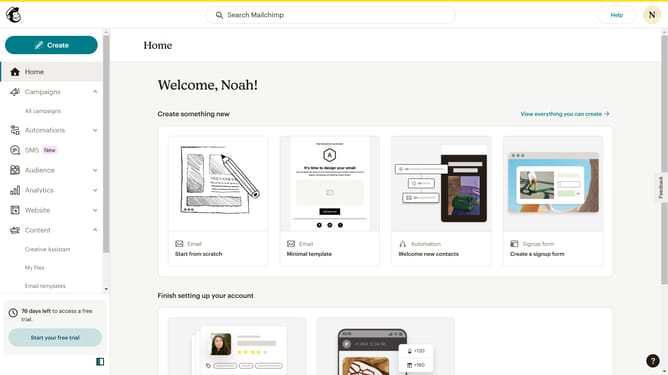
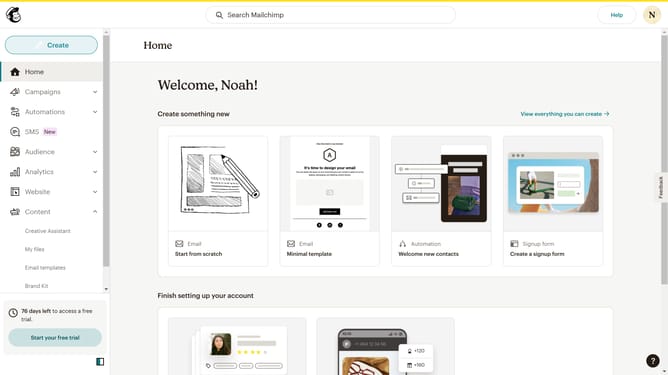
- First click on the "Campaigns" button in the left sidebar menu
- Then click on the "Edit" button
- Next, click on the "Edit design" button
- After that, click on the pencil icon to edit text
- Then click on the "Style" tab
- Next, click on the dropdown to select line height
- Then select a spacing from the line height options
- Finally click on the "Save & Close" button
Why should you adjust line height of a text block in a landing page in Mailchimp
Mailchimp is a leading marketing platform designed to help businesses effectively reach their audience with powerful tools and features.
One noteworthy feature is the ability to adjust the line height of a text block in a landing page, allowing you to enhance readability and the overall visual appeal of your content.
By optimizing line height, you can create a more engaging and pleasing experience for your viewers, making sure your message is communicated clearly and efficiently.
This simple yet impactful adjustment adds a professional touch to your landing page, potentially increasing reader engagement.
Last update