How to create a template email in Mailchimp
Here is how to create a template email in mailchimp
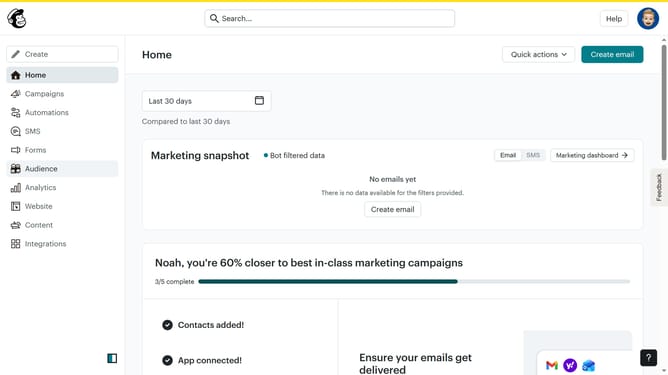
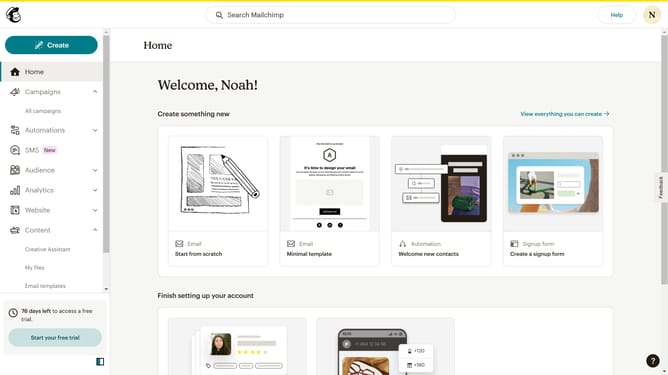
- First click on the "Create" button in the header menu
- Then click on the "Email" option in the create menu dropdown
- Then click on the "Template" option in the left sidebar menu
- Then click on the "Get started" button in the main content area
- Next click the "Apply" button in the template preview section
- Then enter the name of your template in the template name input field
- Finally click the "Save" button in the modal dialog box
Why should you create a template email in Mailchimp
Mailchimp is your go-to platform for crafting and sending impactful email campaigns effortlessly.
Creating an email template in Mailchimp empowers users with the ability to maintain consistency across their communications. This feature not only streamlines the email design process but also ensures that branding elements are uniform in every message.
By utilizing templates, businesses save valuable time, allowing them to focus on engaging their audience rather than getting bogged down with repetitive design work. This leads to more effective and cohesive marketing efforts.
Last update