How to delete a group in Mailchimp
Here is how to delete a group in mailchimp
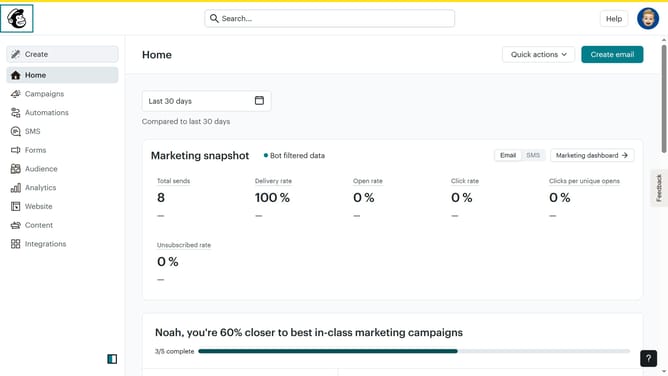
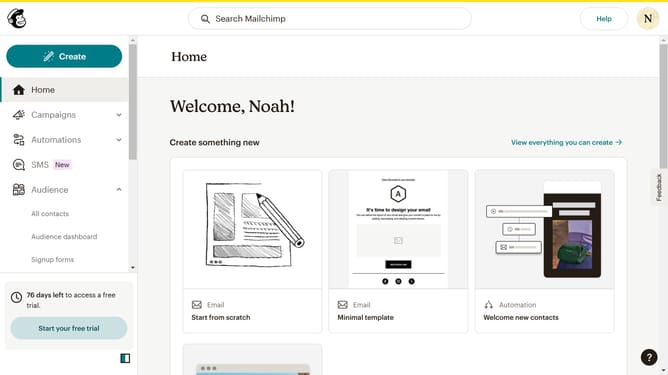
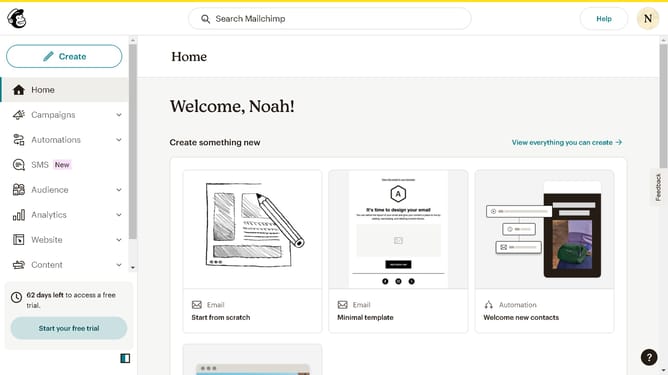
- First click on "Audience" in the left sidebar menu
- Next click on the "More options" dropdown button in the top-right corner of the Contacts page
- Next click on the "View group" dropdown button in the top-right corner of the main content area
- Then select "Groups" from the dropdown menu that appears
- Then select the "Delete" option from the dropdown menu that appears
- In the confirmation dialog, click the text input field and type "DELETE"
- Finally click the "Delete" button at the bottom of the confirmation dialog to complete the deletion
Why should you delete a group in Mailchimp
Mailchimp is a powerful marketing platform designed to help businesses streamline their email campaigns and optimize customer engagement.
Knowing how to delete a group in Mailchimp is essential for maintaining a clean and organized contact list. Removing groups can help enhance your email targeting and ensure your content reaches the most relevant audience.
This feature promotes efficiency by eliminating outdated or unnecessary segments, allowing your team to focus on high-potential prospects. Ultimately, it contributes to more effective and personalized communication efforts.
Last update