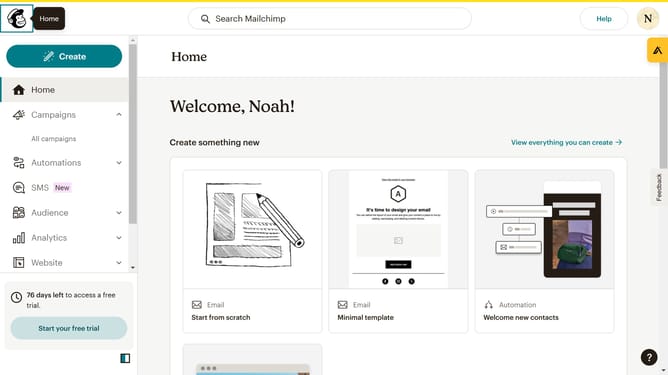
How to edit button text in a landing page in Mailchimp
Here is how to edit button text in a landing page in mailchimp
- First click on the "Campaigns" item in the left sidebar
- Then click the "Edit" button
- Next click on the "Edit design" button
- After that click on the pencil icon
- Then, click on the "Buy Now" button text input and enter the new text
- Then click on the "Save & Close" button
- Finally click on the "Save & Close" button in the bottom right
Why should you edit button text in a landing page in Mailchimp
Mailchimp is a versatile platform designed to enhance your email marketing strategies effortlessly.
On Mailchimp, customizing button text on your landing page offers a personal touch that aligns with your brand message.
Changing this text not only improves user experience but also drives engagement by making calls-to-action more appealing and relevant.
Efficiently engaging your audience aids in converting clicks into meaningful interactions, all while preserving your brand's unique voice.
Last update