How to manage box shadow offset in a landing page in Mailchimp
Here is how to manage box shadow offset in a landing page in mailchimp
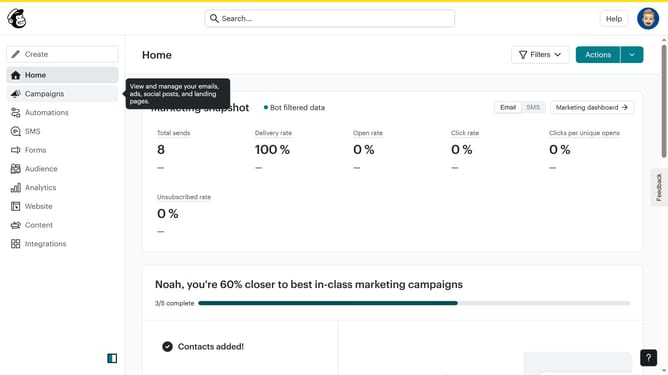
- First click on the "Campaigns" item in the left sidebar
- Then click on "Edit" button
- Next click on "Edit design" button
- Then click on the edit icon
- Next click on the "Style" tab
- Then click on the "Offset" slider handle
- Finally click on "Save & Close" button
Why should you manage box shadow offset in a landing page in Mailchimp
Mailchimp is a powerful platform designed to enhance your marketing efforts with ease and efficiency.
Managing box shadow offset in a landing page within Mailchimp allows you to add subtle sophistication to your design, enhancing the visual depth and appeal of your elements.
The ability to adjust shadows can create a more engaging and inviting user experience, drawing attention to key messages and improving the overall aesthetic.
This feature helps in distinguishing content sections and provides a modern touch, elevating the professionalism of your landing pages effortlessly.
Last update