How to manage box shadow blur in a landing page in Mailchimp
Here is how to manage box shadow blur in a landing page in mailchimp
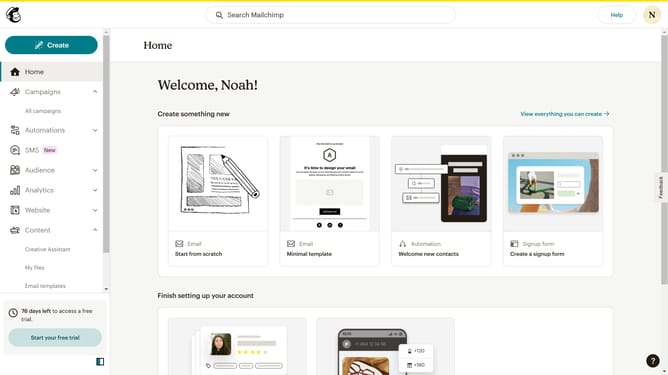
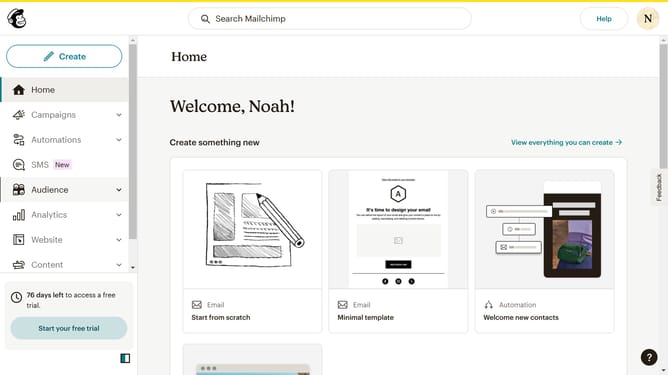
- First, click on "Campaigns" in the sidebar navigation
- Then, click on the "Edit" button
- Next, click on the "Edit design" button
- Click on the pencil icon for editing the selected section
- Then, click on the "Style" tab
- Click on the slider control for the "Blur" setting
- Finally, click on the "Save & Close" button
Why should you manage box shadow blur in a landing page in Mailchimp
Mailchimp is a versatile platform designed to elevate your email marketing efforts and broaden your audience reach.
Managing box shadow blur within your landing page in Mailchimp offers a distinctive way to enhance your page's visual depth.
This feature allows you to subtly emphasize your content, making specific elements pop while maintaining an overall cohesive aesthetic. In a marketing world where first impressions matter, setting the right blur can direct your visitor's attention to key areas, contributing to higher engagement rates.
Last update