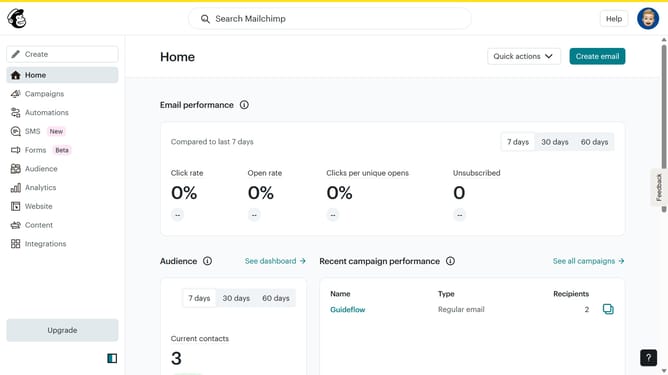
How to delete content in Mailchimp
Here is how to delete content in mailchimp
- First, click on "Audience" in the left sidebar
- Then, click on "Surveys" in the left sidebar
- Next, click on the "View all" button
- In right corner, click on the dropdown arrow next to "View results"
- Then, select "Edit" from the dropdown menu
- Next, click on the question that you want to delete
- Then, click on the "Delete question" button
- After that, click on "Continue to design" button
- Next, click on the "Review" button
- Finally, click on the "Continue" button
Why should you delete content in Mailchimp
Mailchimp is a versatile email marketing platform designed to help businesses streamline their communication with ease.
One of Mailchimp's essential features is the ability to delete content effortlessly. This feature ensures that your campaigns remain relevant and clutter-free by removing outdated or redundant materials.
Using the delete content feature allows you to maintain a clean workspace, improve focus, and optimize your marketing efforts. It simplifies the process of managing assets, ensuring you're always on top of your game.
Last update