How to change the divider style in an email campaign in Mailchimp
Here is how to change the divider style in an email campaign in mailchimp
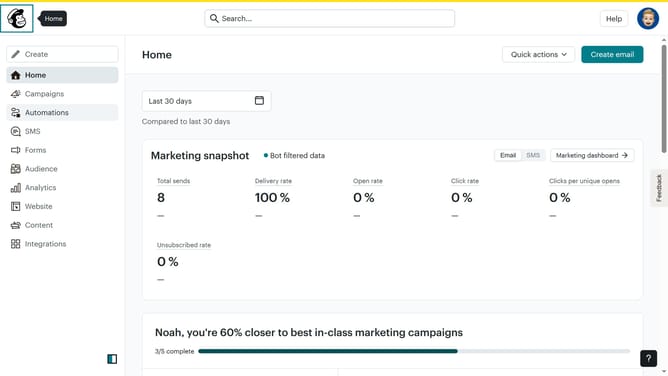
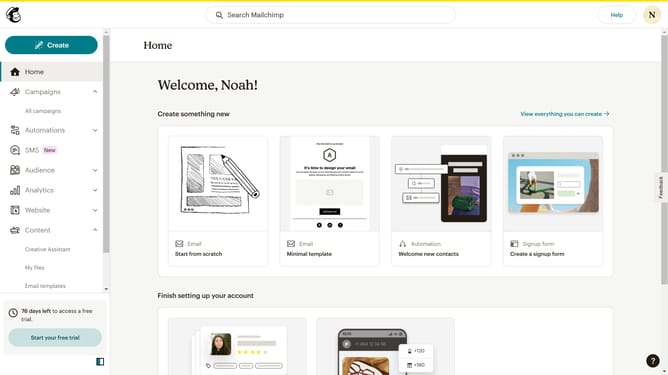
- First click on "Home" in the left sidebar
- Then click on the "Edit" button
- Next, click on "Edit design" in the bottom right corner
- Then click on "Styles" in the left sidebar
- Click on "Divider" in the sidebar menu
- Select "Style" dropdown menu
- Finally, select from the Style dropdown menu
Why should you change the divider style in an email campaign in Mailchimp
Mailchimp is a premier platform for designing and managing effective email marketing campaigns.
One of its key features is the ability to change the divider style within an email campaign, enhancing the overall visual appeal. Adjusting the divider style allows you to maintain brand consistency and capture your audience's attention.
Using dividers effectively can subtly guide readers through your content, emphasizing important sections in a sleek and professional manner. This feature not only helps in reinforcing your brand image but also boosts engagement by improving the reader's experience.
Last update