How to delete a step on an automation in Mailchimp
Here is how to delete a step on an automation in mailchimp
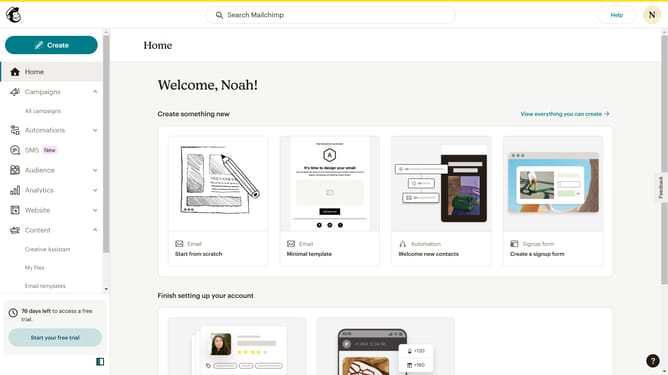
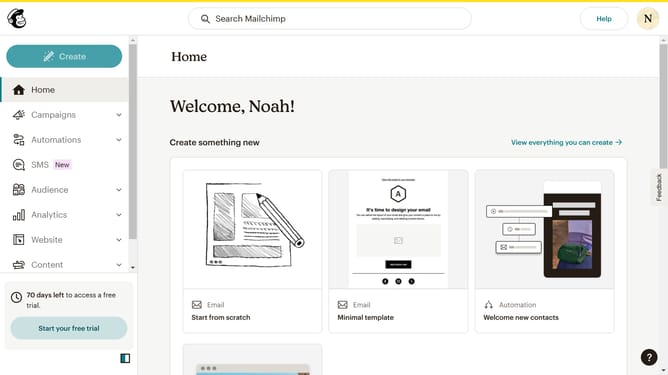
- First click on the "Automations" item in the left sidebar menu
- Next click on the "Finish Setup" button in the main automation flow screen
- Then click the "more options" menu (three dots) in the automation flow step
- Select the "Delete" option from the dropdown menu
- Finally click the "Delete Action" button in the confirmation dialog
Why should you delete a step on an automation in Mailchimp
Mailchimp is a versatile platform designed to elevate your marketing efforts through seamless automation and targeted communication.
One of the key features of Mailchimp is the ability to tailor your automated workflows, which includes deleting unnecessary steps within an automation. This adjustment ensures your automation is lean, efficient, and aligned with your marketing goals.
By removing redundant steps, you streamline processes, enhance deliverability, and improve overall campaign performance. This not only saves time but also maximizes the impact of your communication strategy.
Last update