How to delete content in Mailchimp
Here is how to delete content in mailchimp
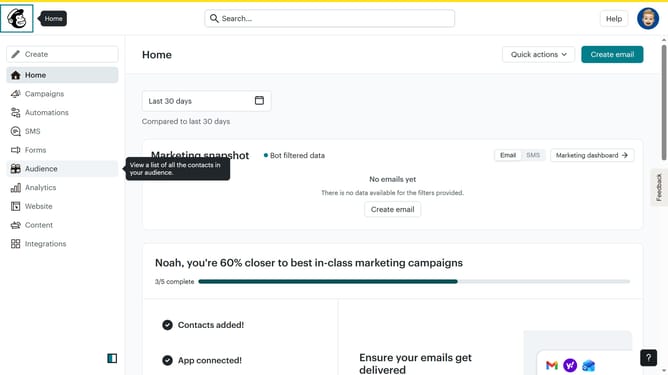
- First click on the "Content" section in the left sidebar to view the dashboard
- Next click on the image in the content area to select it
- Then click on the "Delete" button in the top action bar
- Finally click the "Delete" button in the confirmation dialog to permanently remove the selected item
Why should you delete content in Mailchimp
Mailchimp is a versatile email marketing platform designed to empower businesses in reaching their audience effectively.
In Mailchimp, the ability to delete content ensures that your campaigns remain clean, organized, and up-to-date, offering streamlined communication with your subscribers.
Removing unnecessary or outdated content optimizes storage and enhances overall performance, allowing for a more efficient workflow and precise targeting.
This feature reinforces content relevance, contributing to better engagement and improved marketing outcomes.
Last update