How to remove tags on a contact in Mailchimp
Here is how to remove tags on a contact in mailchimp
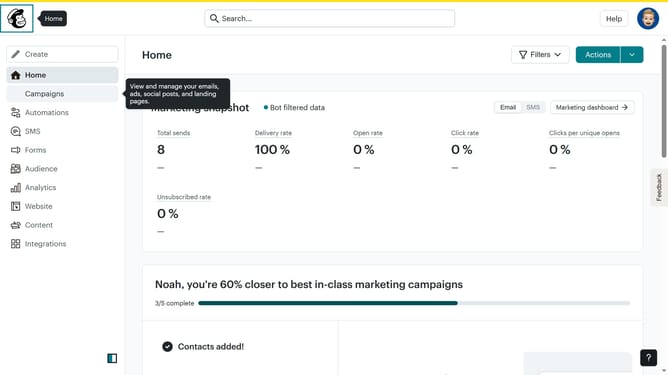
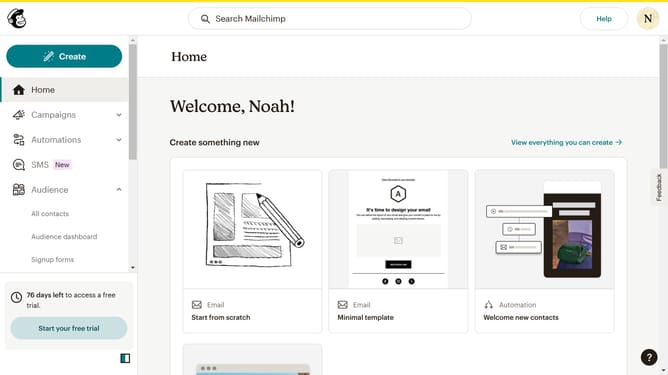
- First click on "Audience" in the left sidebar menu
- Next click on the contact email in the contacts list to open the contact profile
- Finally click on the "remove" button in the Tags section to remove it
Why should you remove tags on a contact in Mailchimp
Mailchimp is a versatile platform designed to enhance email marketing and audience engagement.
One valuable feature of Mailchimp is the ability to remove tags from a contact, streamlining your contact lists and ensuring your communications remain targeted. By untagging individuals, businesses can maintain a clean and organized database, which enhances the relevance of future marketing efforts.
Removing unnecessary tags ensures that only pertinent messages reach the right audience, boosting engagement and maintaining subscriber satisfaction.
Last update