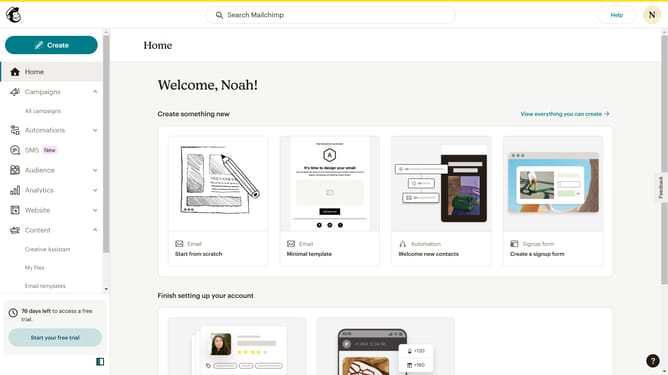
How to set signup form font style on a landing page in Mailchimp
Here is how to set signup form font style on a landing page in mailchimp
- First click on "Campaigns" item in the left sidebar
- Then click on the "Edit" button
- Then click on the "Edit design" button
- Next click on the edit icon
- After that click on the "Style" tab
- Then click on the font dropdown menu
- Next select a font style from the font list
- Finally click on the "Save & Close" button
Why should you set signup form font style on a landing page in Mailchimp
Mailchimp is a powerful platform designed to streamline email marketing and enhance brand communication.
Adjusting the signup form font style on a Mailchimp landing page helps create a cohesive and appealing visual identity for your brand. This customization enhances readability and ensures your message is conveyed effectively.
By tailoring the font style, you can improve user engagement and align the signup form with your overall brand aesthetics. This personalized approach leads to a more seamless and professional user experience, fostering trust and brand loyalty.
Last update