How to unarchive a contact in Mailchimp
Here is how to unarchive a contact in mailchimp
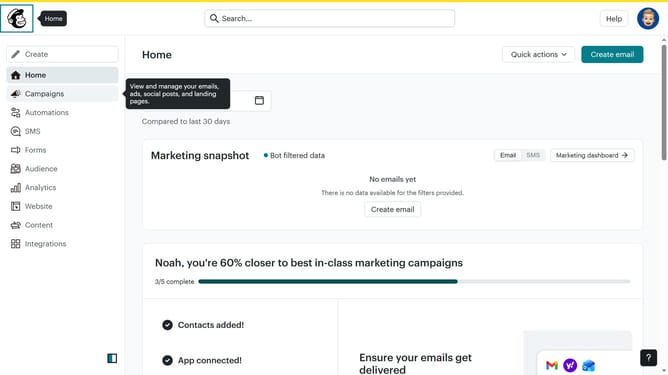
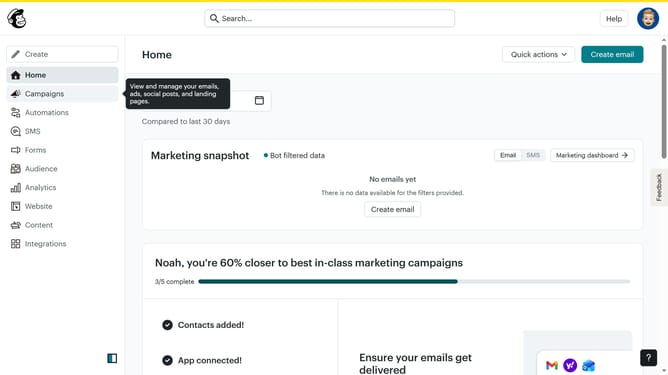
- First click on "Audience" in the left sidebar menu
- Next click on the "More options" button in the top-right corner of the Contacts page
- Then select "Archived contacts" from the dropdown menu
- Next click on the email address in the archived contacts list
- Then click on the "Actions" button in the top-right corner of the contact profile page
- Finally select "Unarchive" from the Actions dropdown menu
Why should you unarchive a contact in Mailchimp
Mailchimp is a versatile platform designed to streamline your email marketing efforts.
Unarchiving a contact in Mailchimp allows you to easily reconnect with previously archived subscribers, ensuring they remain part of your targeted communications.
Reinstating a contact means access to a wider audience pool, enhancing campaign reach and effectiveness. This feature provides flexibility in managing your contacts, helping maintain engagement without starting from scratch.
Seamlessly manage your audience while maximizing marketing impact, effortlessly adjusting to evolving business needs.
Last update