How to insert a spacer block in an email in Mailchimp
Here is how to insert a spacer block in an email in mailchimp
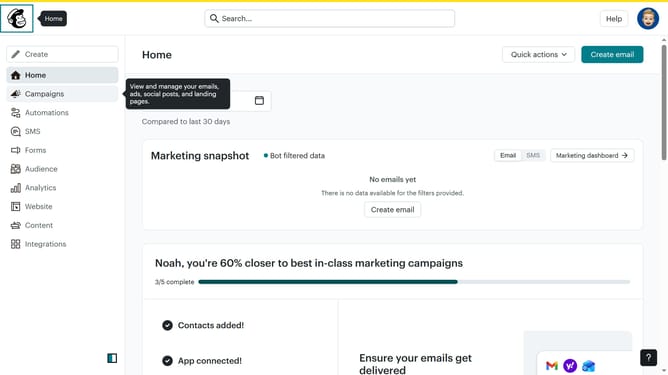
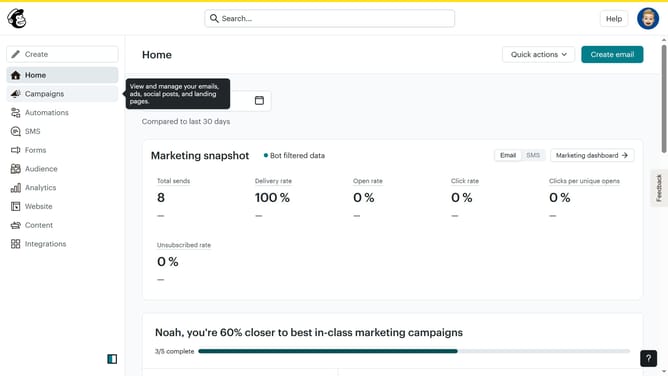
- First click on the "Campaigns" menu item in the left sidebar
- Then click on the "Edit" button next to the Testing Email campaign
- Next click on the "Edit design" button in the email preview panel
- Next click on the "Spacer" element in the left sidebar blocks menu
- Then click on the "Block Background" setting in the styles panel
- Next select the blue color from the color palette in the Default colors section
- Finally adjust the spacer height by dragging the slider under "Height"
Why should you insert a spacer block in an email in Mailchimp
Mailchimp is the go-to platform for businesses to easily craft and manage captivating email campaigns.
Introducing a spacer block within your email design in Mailchimp adds a touch of sophistication, offering clean spacing and enhancing overall readability.
Using spacer blocks allows you to guide recipients through your content smoothly, ensuring that sections don't appear cluttered or overwhelming.
This subtle design element creates a professional appearance and ensures that key messages stand out, ultimately boosting engagement and readability.
Last update