How to add a social share description in a landing page in Mailchimp
Here is how to add a social share description in a landing page in mailchimp
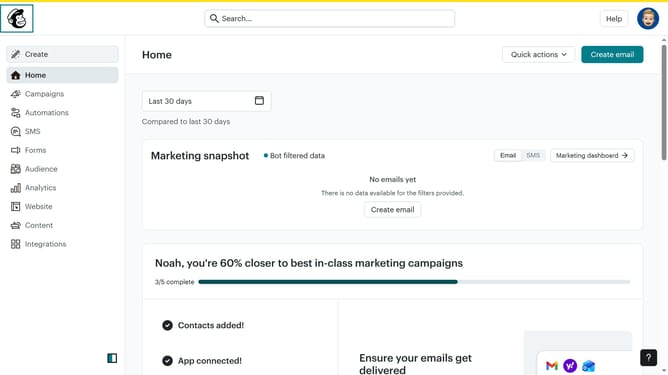
- First, click on "Home" in the left sidebar
- Then, click on the "Edit" button
- Next, click on "Edit preview" next to "Social share preview"
- Then, click and enter your description in the "Social share description" text box
- Finally, click on the "Save" button.
Why should you add a social share description in a landing page in Mailchimp
Mailchimp is a powerful tool for managing and automating your marketing communications.
One attractive feature of Mailchimp is the ability to customize social share descriptions when creating landing pages. This capability ensures that your message and brand are presented consistently across all social media platforms.
Adding a social share description enhances your click-through rates by effectively drawing the reader’s interest, ultimately maximizing your reach and communication impact. This subtle enhancement conveys your brand's voice even before potential customers visit your actual page.
Last update