How to change the button border color in an email campaign in Mailchimp
Here is how to change the button border color in an email campaign in mailchimp
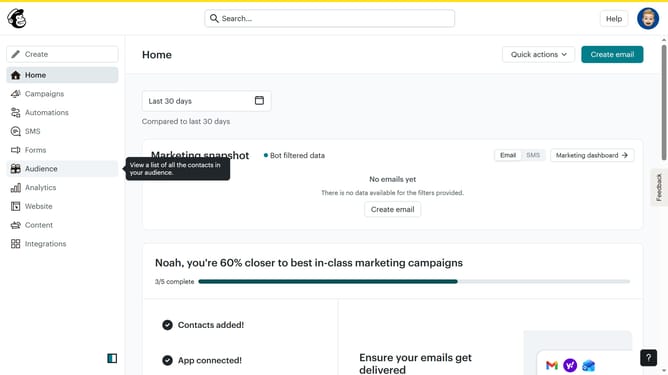
- First click on "Campaigns" in the left sidebar
- Then click on the "Edit" button
- Then click on the "Edit design" button
- Then select "Styles" from the left sidebar menu
- Then click on "Button" in the styles menu
- Then click on the "Color" swatch
- Finally click on the color picker to select a color
Why should you change the button border color in an email campaign in Mailchimp
Mailchimp is an intuitive platform designed to simplify email marketing, helping businesses connect with audiences effortlessly.
One valuable feature is the ability to change the button border color in your email campaigns. This small design tweak can significantly impact the visual appeal and effectiveness of your emails.
By customizing the button border color, you create a cohesive brand experience that reinforces your message. Improved aesthetics not only capture attention but also enhance click-through rates, maximizing campaign success.
Last update