How to import the contacts in Mailchimp
Here is how to import the contacts in mailchimp
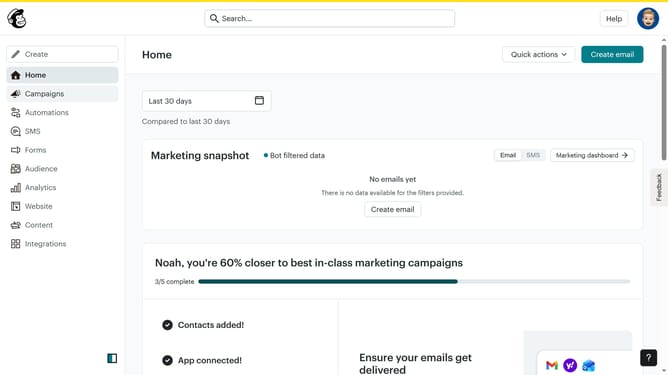
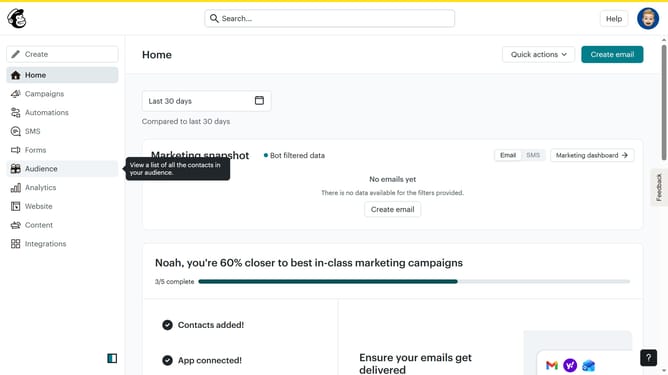
- First click on "Audience" in the left sidebar menu
- Next click on the "Add contacts" dropdown button in the top toolbar
- Then select "Import contacts" from the dropdown menu
- Next click on "Upload a file" option in the import method selection
- Then click the "Continue" button to proceed with file upload
- Next click on "Select a file" button to choose a file from your computer
- After selecting the file, click "Continue" to move to the next step
- Then click "Continue" on the organize contacts screen
- Next click on the tags search field to add tags
- Then select "Member" from the tags dropdown list
- Click "Continue" to proceed to the next step
- Again click "Continue" after reviewing the field mapping
- Then click "Finalize import" button to start the import process
- Click "Complete Import" button to finish the import
- Finally click "Start a campaign" button after reviewing the import results
Why should you import the contacts in Mailchimp
Mailchimp is your all-in-one marketing platform designed to help businesses connect with their audience.
The feature of importing contacts in Mailchimp allows for seamless integration of your existing contacts into the platform.
This feature is invaluable as it not only streamlines your email marketing efforts but also ensures that all your valuable contacts are consolidated in one place. With an organized contact list, you can easily target specific audiences, personalize marketing campaigns, and ultimately enhance engagement with your customers.
Last update