How to filter campaigns to customer journey in Mailchimp
Here is how to filter campaigns to customer journey in mailchimp
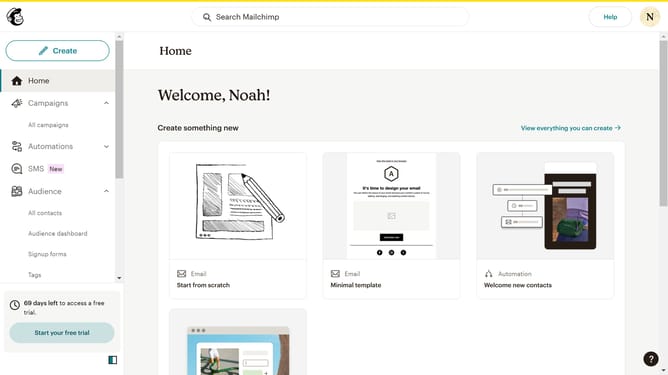
- First click on the "Campaign" button in the left sidebar navigation menu
- Then click on the "Type" dropdown filter in the campaign list header
- Finally select "Customer Journey" option from the Type dropdown menu
Why should you filter campaigns to customer journey in Mailchimp
Mailchimp is a powerful marketing platform designed to help businesses reach their audience effectively.
With Mailchimp, filtering campaigns to the customer journey is a game-changing feature.
This capability allows you to tailor messages in alignment with where your customers are in the buying process, enhancing engagement and increasing conversion rates.
By understanding customer journey stages, you can deliver more relevant content, making your marketing efforts more efficient and impactful.
Last update