How to filter your campaigns to survey in Mailchimp
Here is how to filter your campaigns to survey in mailchimp
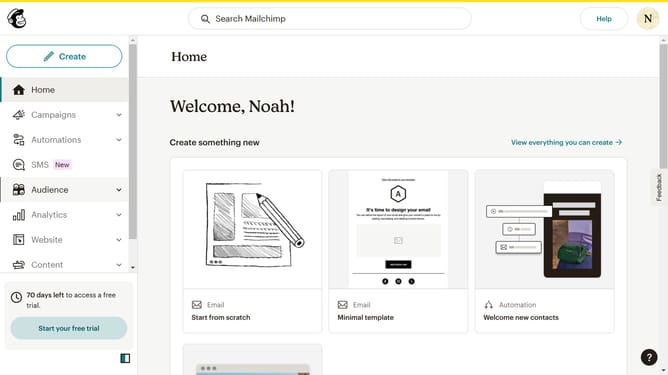
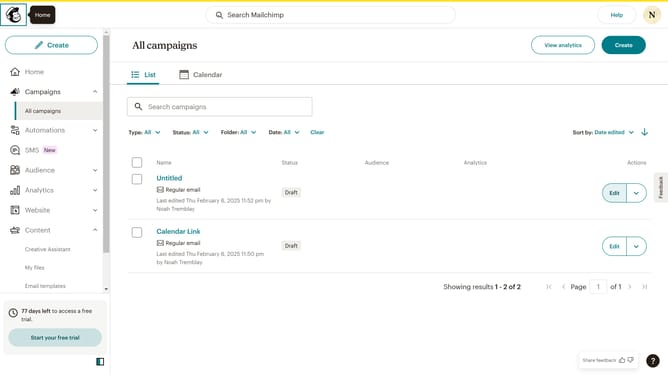
- First click on the "Campaign" button in the left sidebar navigation menu
- Then click on the "Type" dropdown filter in the campaign list header
- Finally select "Survey" option from the Type dropdown menu
Why should you filter your campaigns to survey in Mailchimp
Mailchimp is a dynamic platform designed to help you seamlessly manage your marketing efforts with ease.
Filtering your campaigns to survey in Mailchimp streamlines your feedback collection process by allowing you to direct targeted questions to specific audiences.
This feature enhances your ability to gather meaningful insights, ensuring that you receive relevant responses from the right groups.
Ultimately, filtering improves the effectiveness of your surveys, aids in refining your strategies, and boosts engagement with your target audience.
Last update