How to filter your campaigns to ad in Mailchimp
Here is how to filter your campaigns to ad in mailchimp
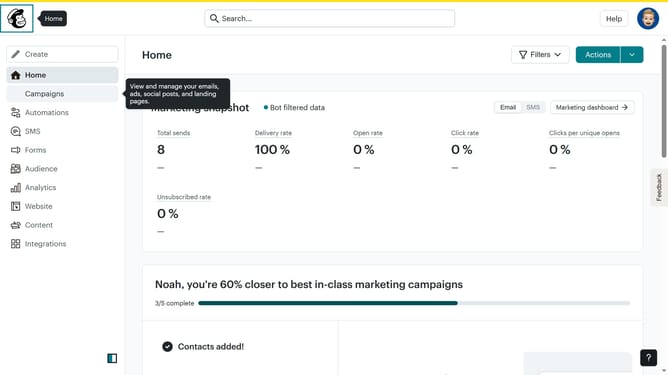
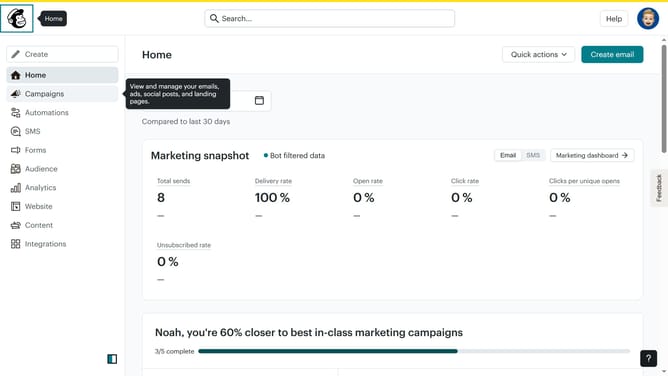
- First click on the "Campaign" button in the left sidebar navigation menu
- Then click on the "Type" dropdown filter in the campaign list header
- Finally select "Ad" option from the Type dropdown menu
Why should you filter your campaigns to ad in Mailchimp
Mailchimp is a leading marketing platform designed to help businesses grow through intuitive email campaigns.
Filtering your Mailchimp campaigns allows you to organize and target your ads with precision.
By honing in on specific audiences, you can ensure that your message resonates with the right people, boosting engagement and conversions.
This feature not only saves time but also maximizes your marketing efforts, ultimately driving better results for your business.
Last update