How to filter your campaigns to classic automation in Mailchimp
Here is how to filter your campaigns to classic automation in mailchimp
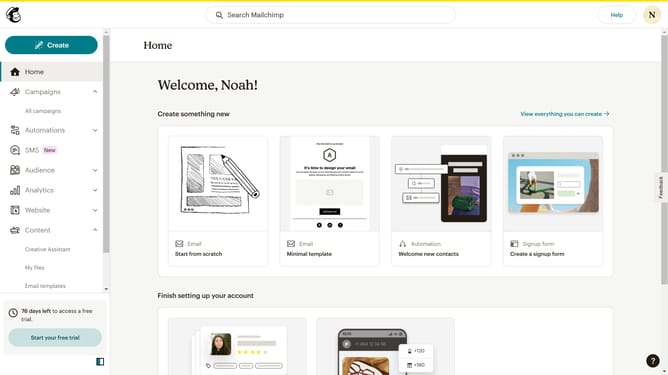
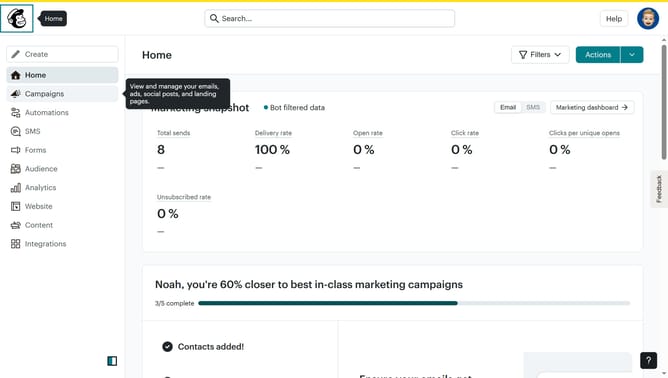
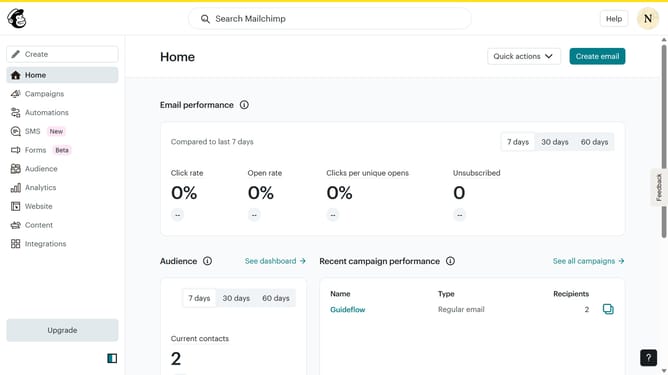
- First click on the "Campaign" button in the left sidebar navigation menu
- Then click on the "Type" dropdown filter in the campaign list header
- Finally select "Classic automation" option from the Type dropdown menu
Why should you filter your campaigns to classic automation in Mailchimp
Mailchimp is a powerful platform designed to simplify and enhance your email marketing efforts.
By filtering your campaigns to classic automation in Mailchimp, you can seamlessly streamline your marketing processes. This feature enables you to create more targeted and efficient campaign strategies tailored to your audience's specific needs.
Using classic automation ensures consistent engagement with your subscribers, optimizing communication and building stronger customer relationships. With this approach, your marketing becomes more effective with less manual effort, leaving you more time to focus on growing your business.
Last update