How to set signup form font color on a landing page in Mailchimp
Here is how to set signup form font color on a landing page in mailchimp
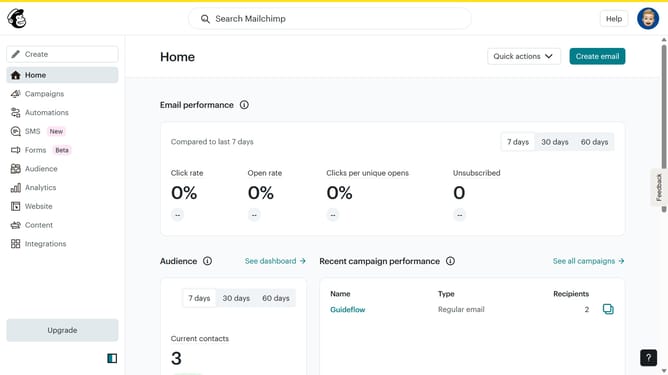
- First, click on "Home" in the left sidebar
- Then click on the "Edit" button
- Next, click on the "Edit design" button
- After that, click on the pencil icon to edit
- Then click on the "Style" tab
- Next, click on the color picker field
- Then click on a color from the color picker
- Finally, click on the "Save & Close" button
Why should you set signup form font color on a landing page in Mailchimp
Mailchimp is a powerful marketing platform designed to help businesses engage with their audience effortlessly.
One of the key features Mailchimp offers is the ability to customize the signup form font color on landing pages. This enhances the aesthetic appeal and ensures the form aligns with your brand's visual identity.
Adjusting font colors not only improves readability but also draws attention to important information, potentially increasing signup rates.
This simple customization can create a more cohesive and professional appearance, ultimately contributing to a better user experience.
Last update