How to add an email action to an automation in Mailchimp
Here is how to add an email action to an automation in mailchimp
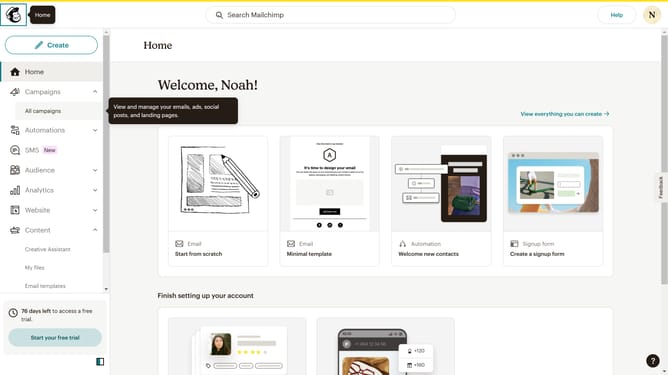
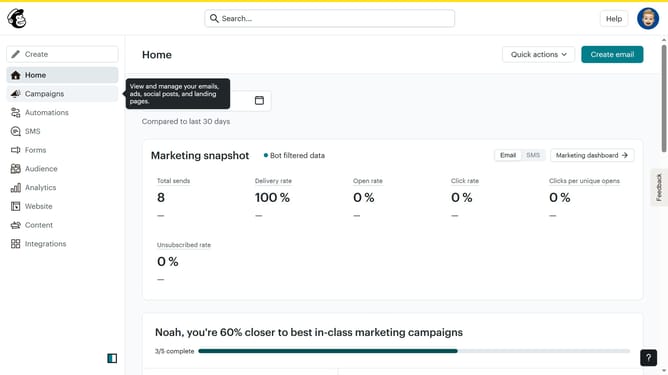
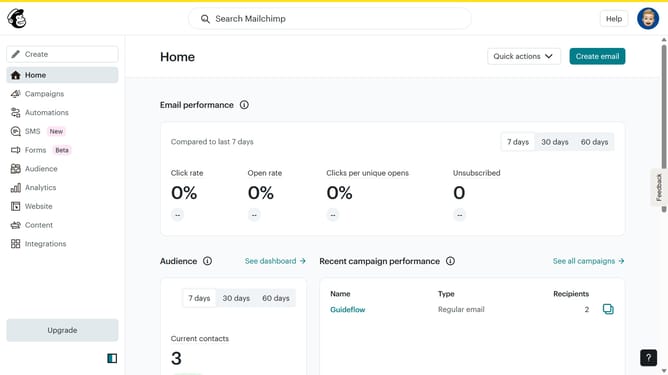
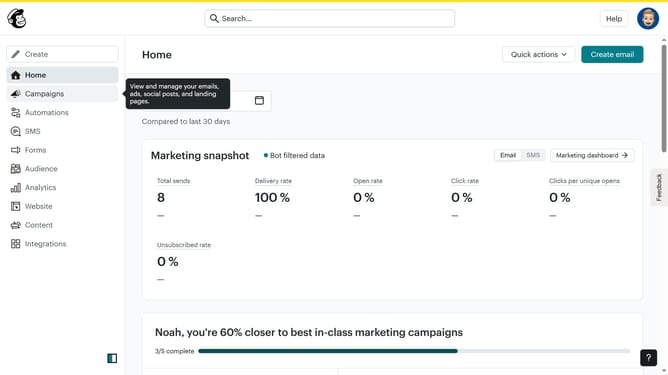
- First click on the "Automations" item in the left sidebar menu
- Next click on the "Finish Setup" button in the main automation flow screen
- Then click on the "Send email" option in the Actions sidebar menu
- Then click on the "Add a step" button in the flow diagram
- Next click on the "Rename" button in the email configuration modal
- Enter the email name in the text input field
- Click the "Save" button to save the changes
- Finally click the "Close" button in the bottom right corner of the modal
Why should you add an email action to an automation in Mailchimp
Mailchimp is a leading marketing platform designed to empower businesses of all sizes with easy-to-use email marketing solutions.
Adding an email action to an automation in Mailchimp streamlines your communication strategy, ensuring your audience receives timely, targeted content. This powerful feature integrates seamlessly into your marketing workflow, acting as the catalyst for increasing engagement and driving results.
Utilizing email actions within automations not only saves time but also enhances personalization, ensuring each subscriber feels valued and understood. This strategic approach ultimately fosters stronger relationships with your audience and maximizes marketing efficiency.
Last update