How to send a test email on Mailchimp
Here is how to send a test email on mailchimp
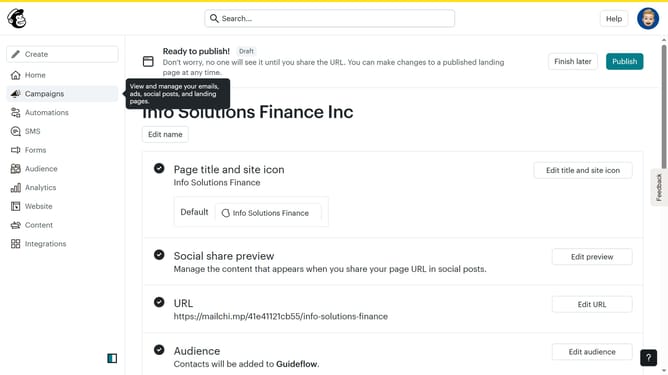
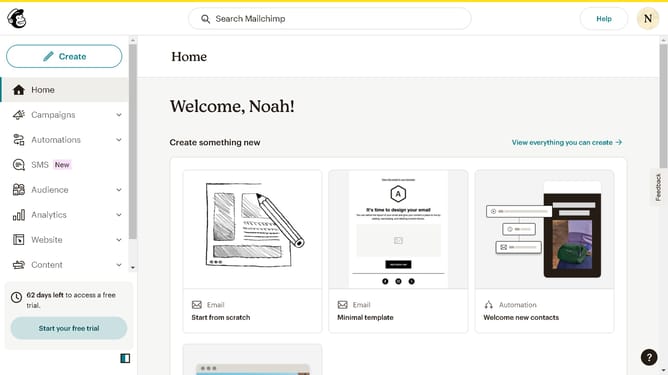
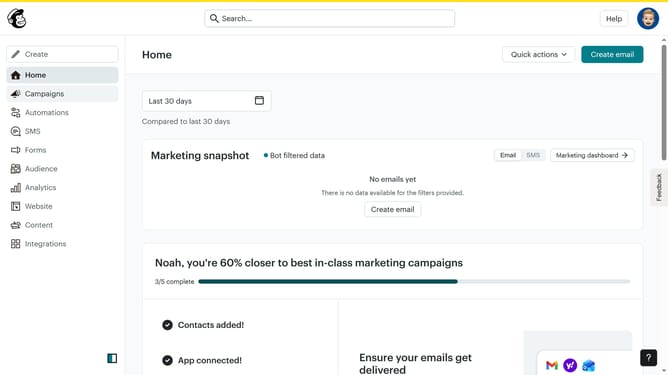
- First click on "All campaigns" in the left sidebar menu
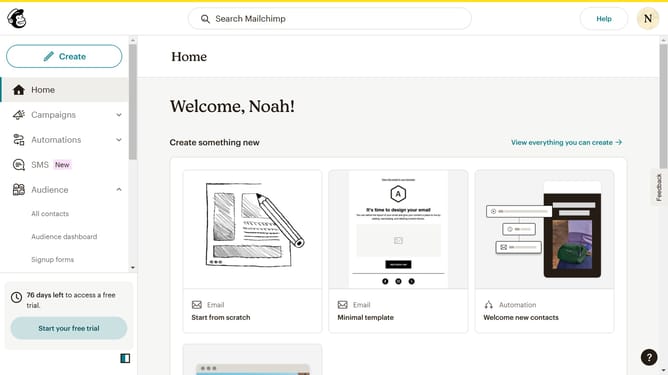
- You can create a new email by clicking here
- Or you can choose an existing email that you want to use
- Next click on "Send a Test Email" button in the top-right of the campaign editor
- Click on the email input field to enter recipient's email address
- Finally click on "Send test" button in the bottom-right of the test email dialog
Why should you send a test email on Mailchimp
Mailchimp is a versatile marketing platform designed to streamline your email campaigns and grow your business effortlessly.
Sending a test email on Mailchimp allows you to preview your campaign exactly as your recipients will see it. This ensures that your messaging is clear, your visual elements are striking, and your links are functioning.
By using this feature, you can refine your emails to perfection, boosting engagement rates. An effective campaign can convert potential customers and strengthen existing relationships.
Ultimately, it enhances your brand's professionalism and maximizes the impact of your marketing efforts.
Last update