How to redo your changes on a campaign in Mailchimp
Here is how to redo your changes on a campaign in mailchimp
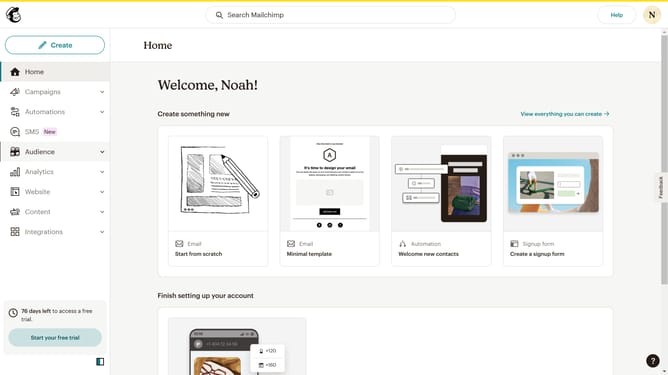
- First click on "Campaigns" item in the left sidebar menu
- Then click on the "WIP" campaign name in the campaigns list
- Next click on the "Edit design" button in the email preview section
- Then click on the "Button" block in the left sidebar blocks panel to add a new button element
- Then click on the "Undo" button in the top toolbar to view formatting options
- Next click on the "Redo" button in the top toolbar to repeat your changes
- Finally click on "Save and exit" button in the top-right corner of the header to test your email
Why should you redo your changes on a campaign in Mailchimp
Mailchimp is a powerful tool designed to streamline your email marketing campaigns with ease and efficiency.
The "Redo" feature in Mailchimp allows you to effortlessly reverse changes made to your campaign, ensuring that your workflow remains uninterrupted and dynamic.
Utilizing the redo option maximizes your creative flexibility, allowing you to explore various campaign adjustments without the worry of permanent errors.
This capability fosters a more refined final product, supporting your journey towards impactful and professional email marketing campaigns.
Last update