How to remove cleaned contacts from Mailchimp
Here is how to remove cleaned contacts from mailchimp
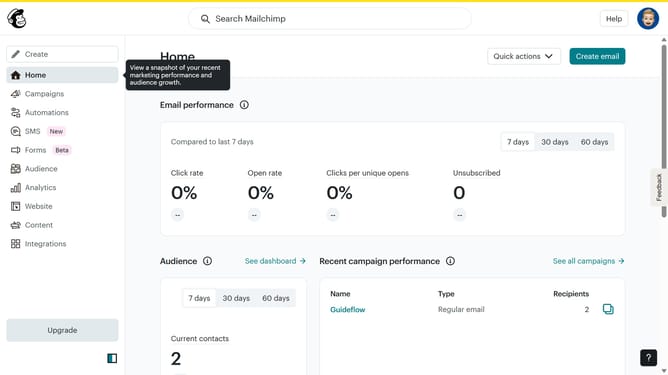
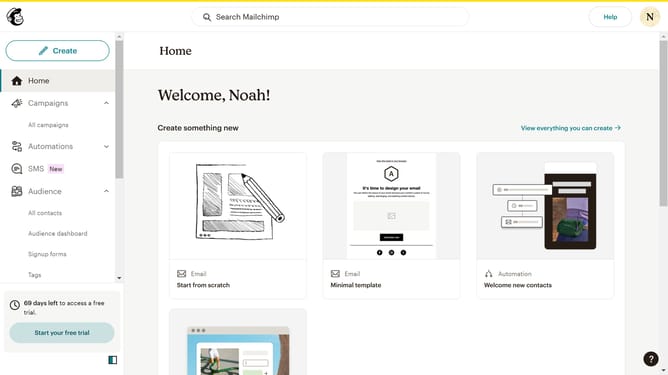
- First, click on "Audience" in the left sidebar menu
- Then click on "All contacts" in the left sidebar submenu
- Check the box next to each contact you want to delete
- Click the "More actions" menu button (three dots) in the top toolbar
- Select "Delete" from the dropdown menu
- Click the radio button
- Click the "Continue to delete" button
- Check the checkbox
- Type "PERMANENTLY DELETE" in the confirmation text field
- Finally, click the "Permanently delete" button to complete the deletion
Why should you remove cleaned contacts from Mailchimp
Mailchimp is a versatile email marketing platform designed to help businesses connect with their audience effectively.
Removing cleaned contacts from Mailchimp ensures your contact list remains current and efficient. This feature helps to eliminate email addresses that have previously bounced or failed delivery. Maintaining an updated list enhances deliverability rates and keeps your campaigns targeted.
By leveraging this feature, marketers can focus on engaging valid contacts, maximizing their reach, and ensuring resources are used efficiently, driving better results and successful outcomes.
Last update