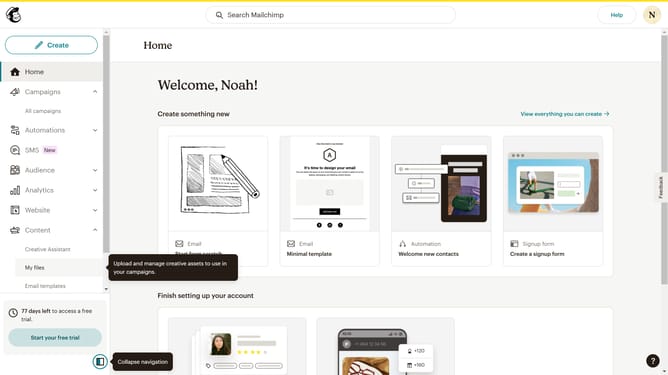
How to change column font style in a free email campaign in Mailchimp
Here is how to change column font style in a free email campaign in mailchimp
- First click on the "Campaigns" item in the left sidebar
- Then click on the "Edit" button
- Next click on the "Edit design" button at the bottom right
- Then click on the column that you want to manage
- Next click on the font dropdown menu
- Finally select a font from the font list
Why should you change column font style in a free email campaign in Mailchimp
Mailchimp is an intuitive platform designed to simplify email marketing for businesses of all sizes.
One of its valuable features is the ability to customize column font styles in a free email campaign. This feature allows users to align their email's visual appeal with their brand identity effortlessly.
Changing the font style in email columns can significantly enhance readability and engagement, making your emails more appealing and professional. Customizable fonts ensure that your message resonates effectively with your audience, leaving a lasting impression.
Last update