How to filter your campaigns to customer journey in Mailchimp
Here is how to filter your campaigns to customer journey in mailchimp
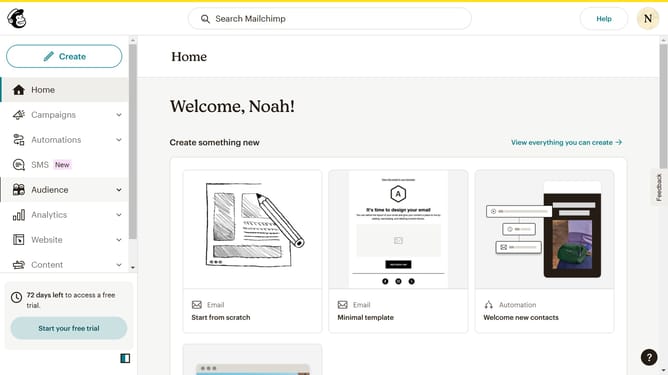
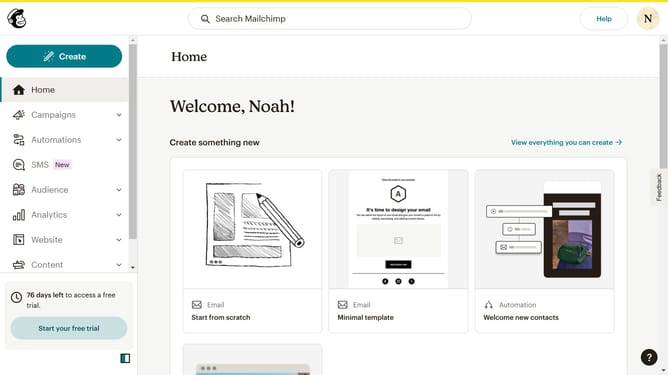
- First click on the "Campaign" button in the left sidebar navigation menu
- Then click on the "Type" dropdown filter in the campaign list header
- Finally select "Customer Journey" option from the Type dropdown menu
Why should you filter your campaigns to customer journey in Mailchimp
Mailchimp empowers businesses with intuitive, all-in-one marketing solutions to seamlessly grow their audience.
Filtering campaigns according to the customer journey in Mailchimp allows you to tailor your communication strategy to specific stages of customer engagement.
This enhances relevance by delivering targeted content that's more likely to resonate, boosting engagement rates and nurturing customer relationships effectively.
Harnessing this feature ensures your marketing efforts are impactful and aligned with customer needs.
Last update