How to change the footer in Mailchimp
Here is how to change the footer in mailchimp
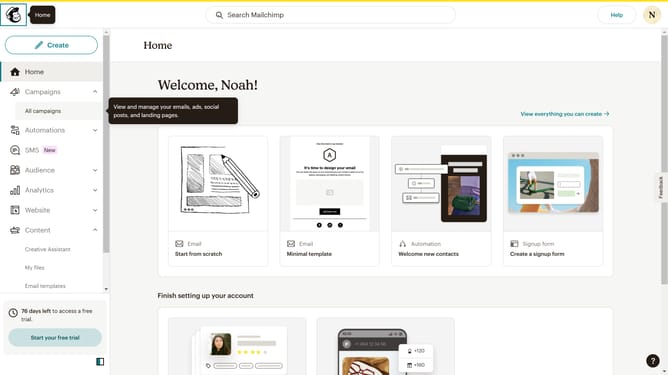
- First click on the "Create" button in the top navigation bar
- Then click on the "Design Email" button in the regular email section
- Click on Apply to start with a template
- Click on the footer content in your email
- Here you can edit Design elements such as Padding and Dynamic Content
- Here you can edit the visibility of your email
- Click on the Code tab to edit the footer content using HTML codes
- Finally click on the "Save and exit" button in the top right corner
Why should you change the footer in Mailchimp
Mailchimp is a leading email marketing platform designed to help businesses effectively communicate with their audiences.
Changing the footer in Mailchimp allows you to customize the end of your emails, ensuring your messaging aligns with your brand.
This feature is beneficial for maintaining professional consistency, enhancing your brand identity, and complying with email regulations.
Utilizing a custom footer can help create a cohesive brand experience and encourages customer trust.
Last update