How to change the button inside text to italic in an email campaign in Mailchimp
Here is how to change the button inside text to italic in an email campaign in mailchimp
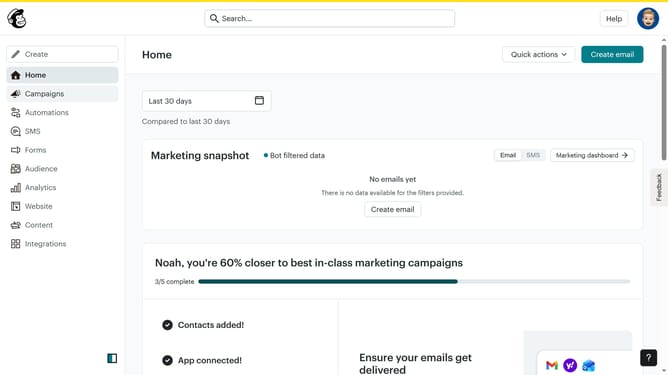
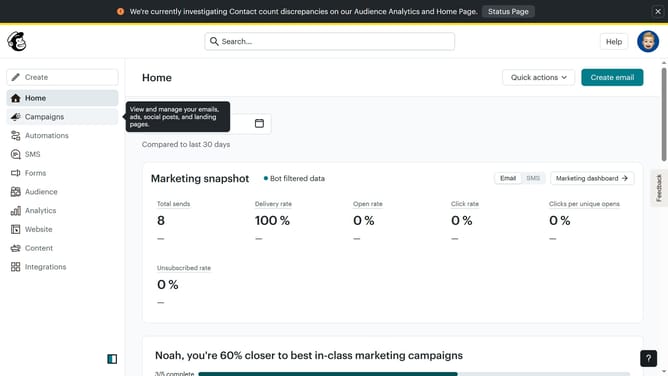
- First click on "Home" in the left sidebar
- Then click on "Edit" button to edit the campaign
- Next, click on "Edit design" button at the bottom right
- On the left panel, click on "Styles"
- Under "Email Design", click on "Button"
- Finally, click on the "I" button to apply italic font style
Why should you change the button inside text to italic in an email campaign in Mailchimp
Mailchimp is a versatile platform designed to supercharge your marketing campaigns with ease and creativity.
Transforming button text to italic in an email campaign with Mailchimp adds a touch of emphasis and style. This simple formatting feature can enhance readability and draw the recipient's attention to key calls to action.
Utilizing italics in your email campaign’s button text not only enriches the visual appeal but also aligns with branding strategies, fostering increased engagement and higher click-through rates.
Last update