How to close a survey in Mailchimp
Here is how to close a survey in mailchimp
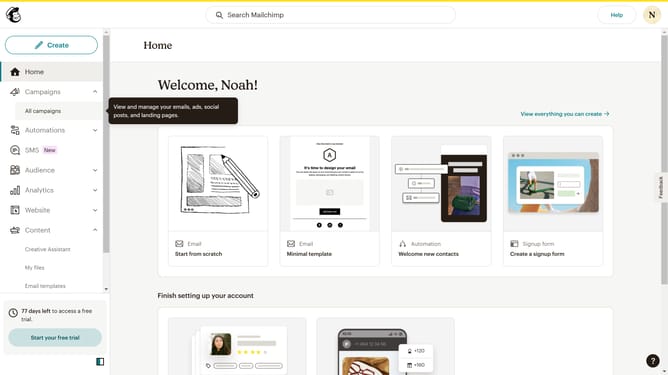
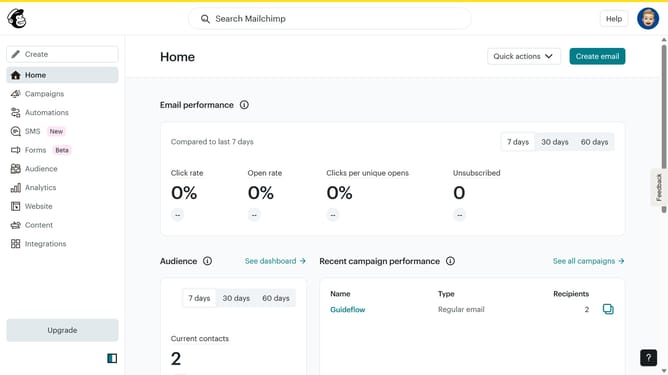
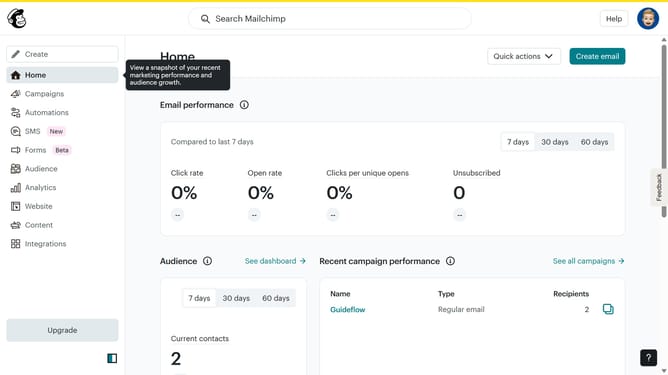
- First click on "Audience" item in the left sidebar menu
- Then click on "Surveys" link in the expanded Audience menu
- Next click on the dropdown menu button next to the survey item
- Finally click on "Close" option in the dropdown menu
Why should you close a survey in Mailchimp
Mailchimp is a versatile marketing platform that helps businesses effectively connect with their audience.
One useful feature in Mailchimp is the ability to close a survey. This allows users to finalize data collection and shift focus to analyzing results.
Closing a survey helps maintain organized records and ensures no additional data skews the insights already gathered. Utilizing this feature enhances strategic decision-making by providing a clear picture based on complete and accurate data.
Last update