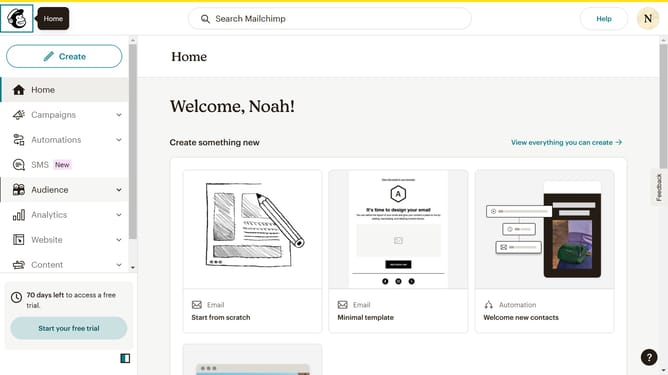
How to filter campaigns to multivariate test in Mailchimp
Here is how to filter campaigns to multivariate test in mailchimp
- First click on the "Campaign" button in the left sidebar navigation menu
- Then click on the "Type" dropdown filter in the campaign list header
- Finally select "Multivariate test" option from the Type dropdown menu
Why should you filter campaigns to multivariate test in Mailchimp
Mailchimp is a powerful platform designed to craft and manage seamless marketing campaigns.
One of the standout features is its ability to filter campaigns for multivariate testing, allowing you to fine-tune your marketing efforts. By filtering campaigns, you can test various elements like subject lines, content, or sending times to pinpoint what resonates best with your audience.
This feature not only enhances your understanding of customer preferences but also boosts engagement and conversion rates. Embracing multivariate testing in Mailchimp leads to more effective, targeted marketing strategies.
Last update