How to remove bounced emails from Mailchimp
Here is how to remove bounced emails from mailchimp
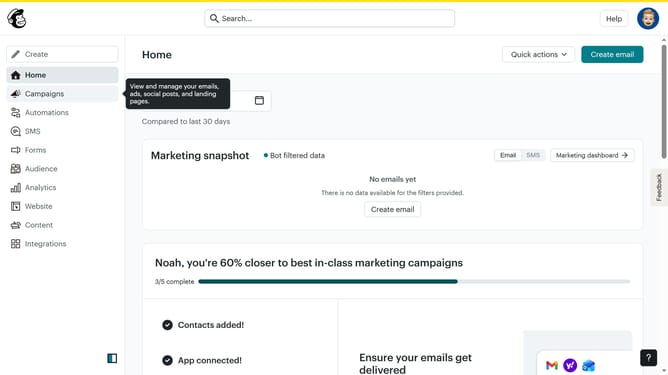
- First click on "Audience" item in the left sidebar menu
- Then click on "Create new segment" button in the main content area
- Choose the criteria for your segment by adding a filter
- Then click on "Preview segment" button in the top-right corner of the segment builder
- Finally, after reviewing the segment, you can choose to either delete the bounced contacts or update their status
Why should you remove bounced emails from Mailchimp
Mailchimp is a versatile marketing platform designed to help you connect with your audience effectively.
Removing bounced emails from your Mailchimp lists is a feature that enhances your email marketing campaigns by increasing deliverability rates.
By clearing out bounced emails, you ensure that your messages reach the intended recipients, resulting in better engagement and higher campaign performance.
This process also helps maintain a healthy contact list, reducing the cost of email marketing and boosting your brand's image through improved sender reputation.
Last update