How to add a first name field to a signup form on a landing page in Mailchimp
Here is how to add a first name field to a signup form on a landing page in mailchimp
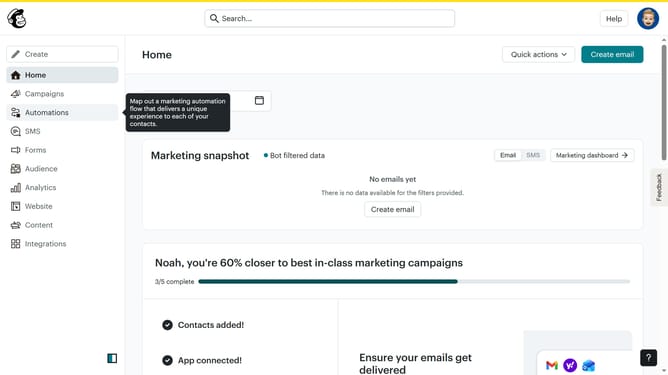
- First click on the "Campaigns" item in the left sidebar
- Then click on the "Edit" button
- Next click on the "Edit design" button
- Then click on the edit icon
- After that click on the "First Name" checkbox
- Finally click on the "Save & Close" button
Why should you add a first name field to a signup form on a landing page in Mailchimp
Mailchimp, a renowned marketing platform, helps businesses grow through efficient email communication.
Add a first name field to your signup form and unlock personalized connections with your audience. Personalization fosters engagement, making emails feel more tailored and relevant to each subscriber.
This feature enhances your campaign's effectiveness by building a personal rapport with your contacts, which can lead to higher conversion rates and stronger customer loyalty. Implementing personalized fields signifies attention to detail and shows your audience that they are valued.
Last update