How to change the button inside text color in an email campaign in Mailchimp
Here is how to change the button inside text color in an email campaign in mailchimp
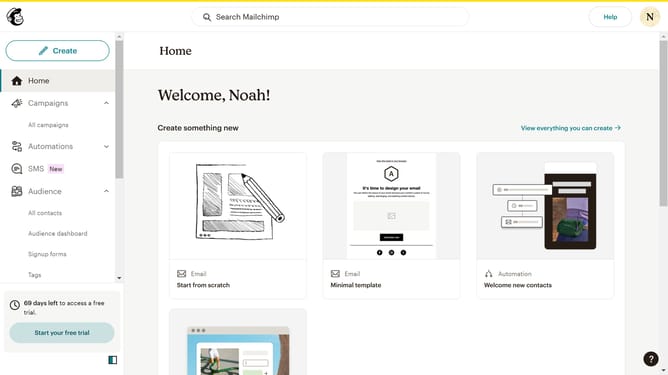
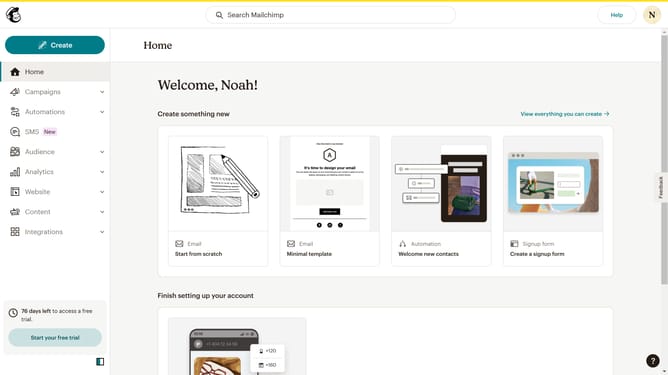
- First click on "Home" item in the sidebar
- Then click on "Edit" button within the main content area
- Then click on "Edit design" button at the bottom right of the screen
- Then click on "Styles" item in the left sidebar
- Then click on "Button" item in the styles list
- Then click on "Text" option in the button styles
- Finally click on the color swatch to change the button text color
Why should you change the button inside text color in an email campaign in Mailchimp
Mailchimp is a versatile platform designed to help businesses create impactful email campaigns with ease.
Changing the button inside text color in an email campaign in Mailchimp is a simple yet powerful feature that allows you to enhance your email's visual appeal.
By customizing this element, you ensure that your call-to-action stands out, grabbing subscribers' attention effectively.
This feature supports brand consistency and improves the overall engagement and response rate of your campaigns.
Last update