How to input contacts in Mailchimp
Here is how to input contacts in mailchimp
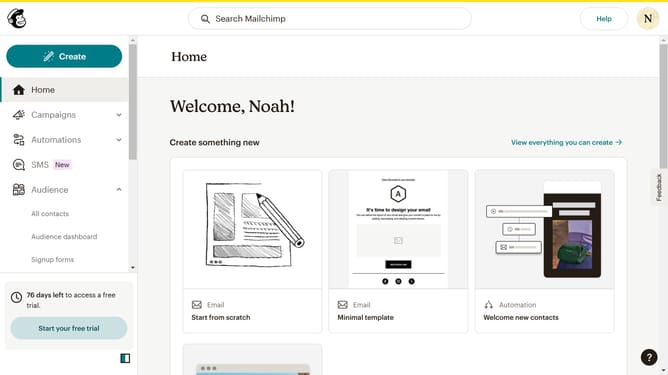
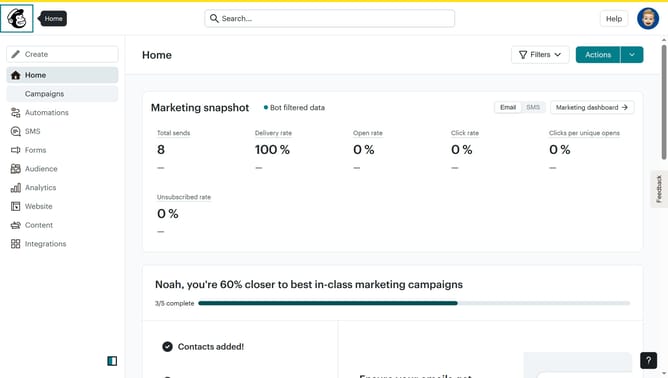
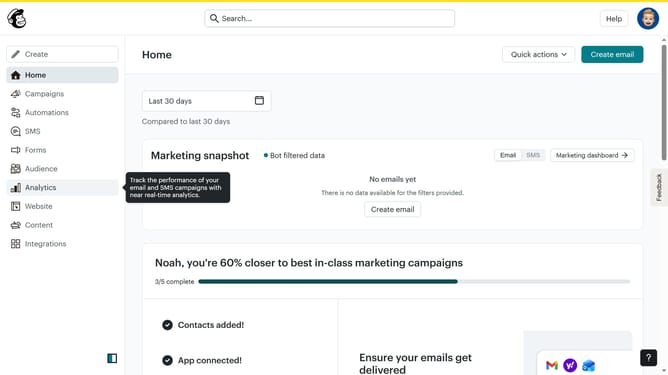
- First click on "Audience" in the left sidebar menu
- Then click on "Add contacts" button in the top right corner
- Next select "Add a single contact" option from the dropdown menu
- Click on the "Email Address" field to enter contact information
- Click on the "First Name" field to enter the contact's first name
- Click on the "Last Name" field to enter the contact's last name
- Click on the checkbox field to approve the contact's permission
- Finally click the "Add contact" button at the bottom of the form
Why should you input contacts in Mailchimp
Mailchimp is a versatile marketing platform designed to help manage and talk to clients, customers, and other interested parties.
Inputting contacts into Mailchimp is a streamlined process that allows you to effectively manage your email lists. This feature ensures your audience is organized and accessible, saving you time and keeping communication channels open.
Incorporating contacts efficiently can boost engagement and personalize your marketing efforts, nurturing stronger relationships with your audience.
Overall, Mailchimp's contact input feature enhances your marketing strategy with precision and ease.
Last update