How to delete a survey in Mailchimp
Here is how to delete a survey in mailchimp
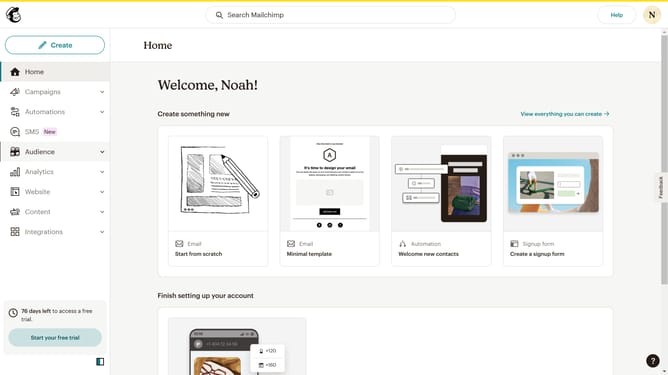
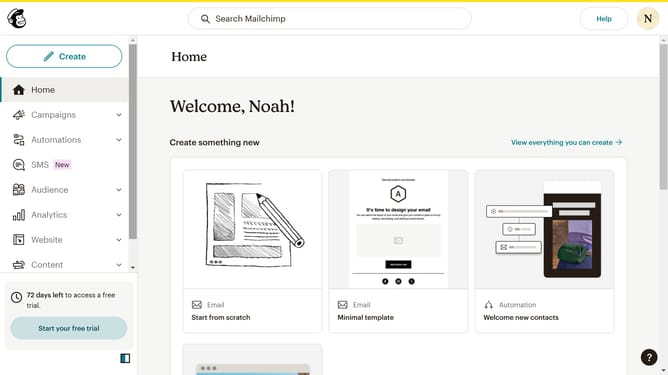
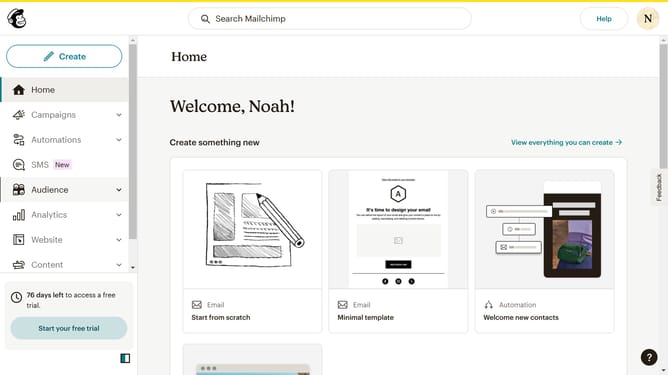
- First click on "Audience" item in the left sidebar menu
- Then click on "Surveys" link in the expanded Audience menu
- Next click the "Edit" dropdown button in the main content area next to the survey item
- Then select the "Delete" option from the dropdown menu
- Next enter "DELETE" in the confirmation input field of the deletion modal window
- Finally click the "Delete" button in the modal window to confirm the survey deletion
Why should you delete a survey in Mailchimp
Mailchimp is a dynamic marketing platform that helps you connect with your audience and grow your business.
The ability to delete a survey in Mailchimp provides users with flexibility and control over their data management.
By removing outdated or unnecessary surveys, you streamline your dashboard and focus on current marketing strategies.
This feature ensures that your workspace remains organized, allowing you to deliver more targeted and efficient campaigns.
Last update