How to add a company field to a signup form on a landing page in Mailchimp
Here is how to add a company field to a signup form on a landing page in mailchimp
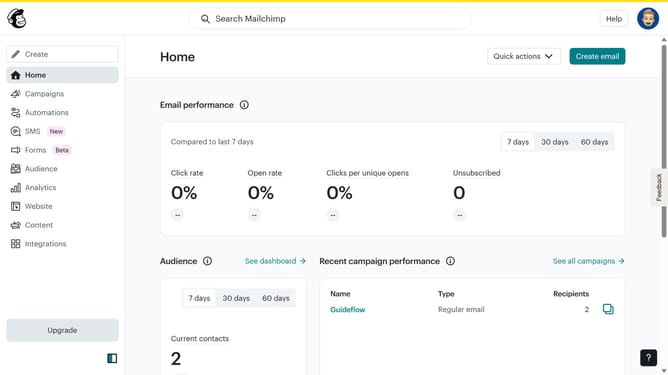
- First click on "Campaigns" item in the left sidebar
- Then click on "Edit" button
- Next click on "Edit design" button
- Then click on the "Edit" icon for the text
- Next select the "Company" checkbox
- Finally click on "Save & Close" button
Why should you add a company field to a signup form on a landing page in Mailchimp
Mailchimp is a powerful email marketing platform designed to help businesses effectively reach their audience.
Adding a company field to a signup form on a landing page in Mailchimp allows you to gather valuable business information from your subscribers. This feature enhances your ability to segment and target campaigns more precisely, providing personalized experiences for different companies.
Understanding your subscribers' business affiliations aids in crafting tailored marketing strategies, optimizing communication, and ultimately driving stronger engagement. This small addition can lead to more informed decisions and improved campaign performance.
Last update