How to filter the campaign status to draft in Mailchimp
Here is how to filter the campaign status to draft in mailchimp
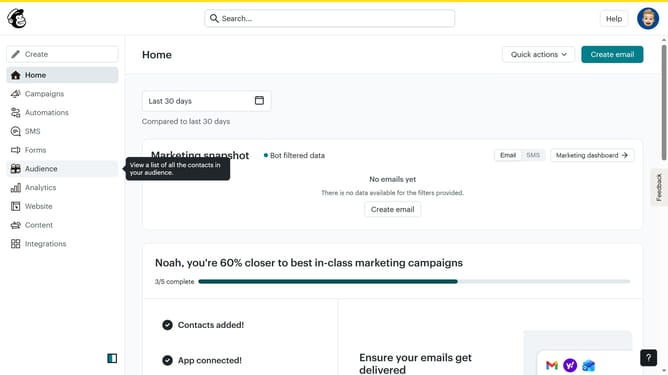
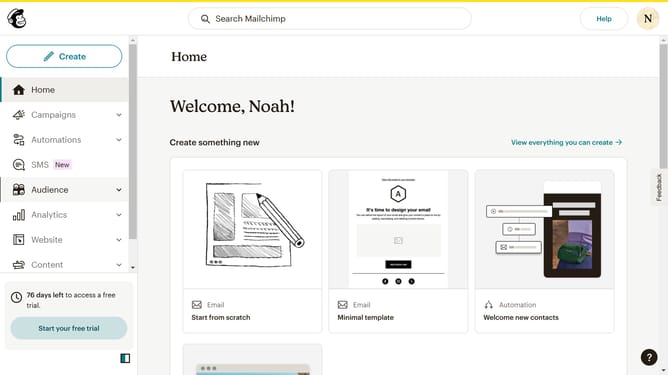
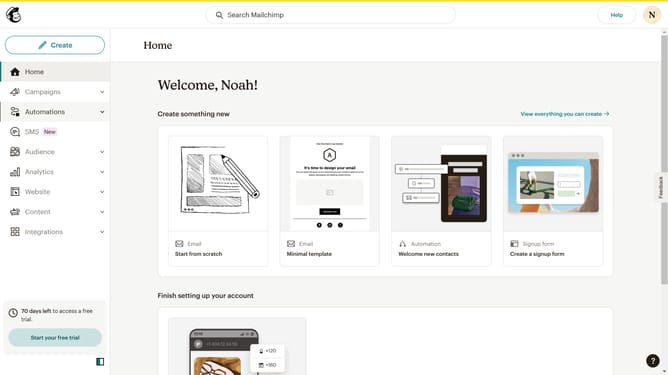
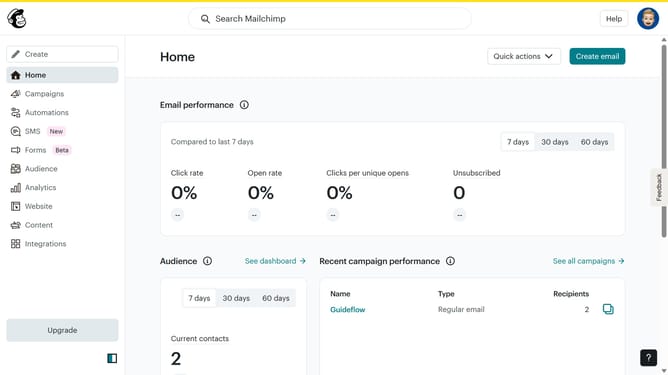
- First click on the "Campaign" button in the left sidebar navigation menu
- Then click on the "Status" dropdown filter in the campaign list header
- Finally select "Draft" option from the Status dropdown menu
Why should you filter the campaign status to draft in Mailchimp
Mailchimp is an all-in-one marketing platform designed to empower businesses with effective email campaigning.
One of its versatile features includes filtering your campaign status to draft. This functionality allows users to effortlessly manage and organize their campaigns before they are live.
By filtering to draft, marketers can ensure no details are overlooked, adjust strategies efficiently, and maintain a streamlined workflow.
This feature not only saves time but also enhances campaign precision, facilitating better planning and execution.
Last update